78
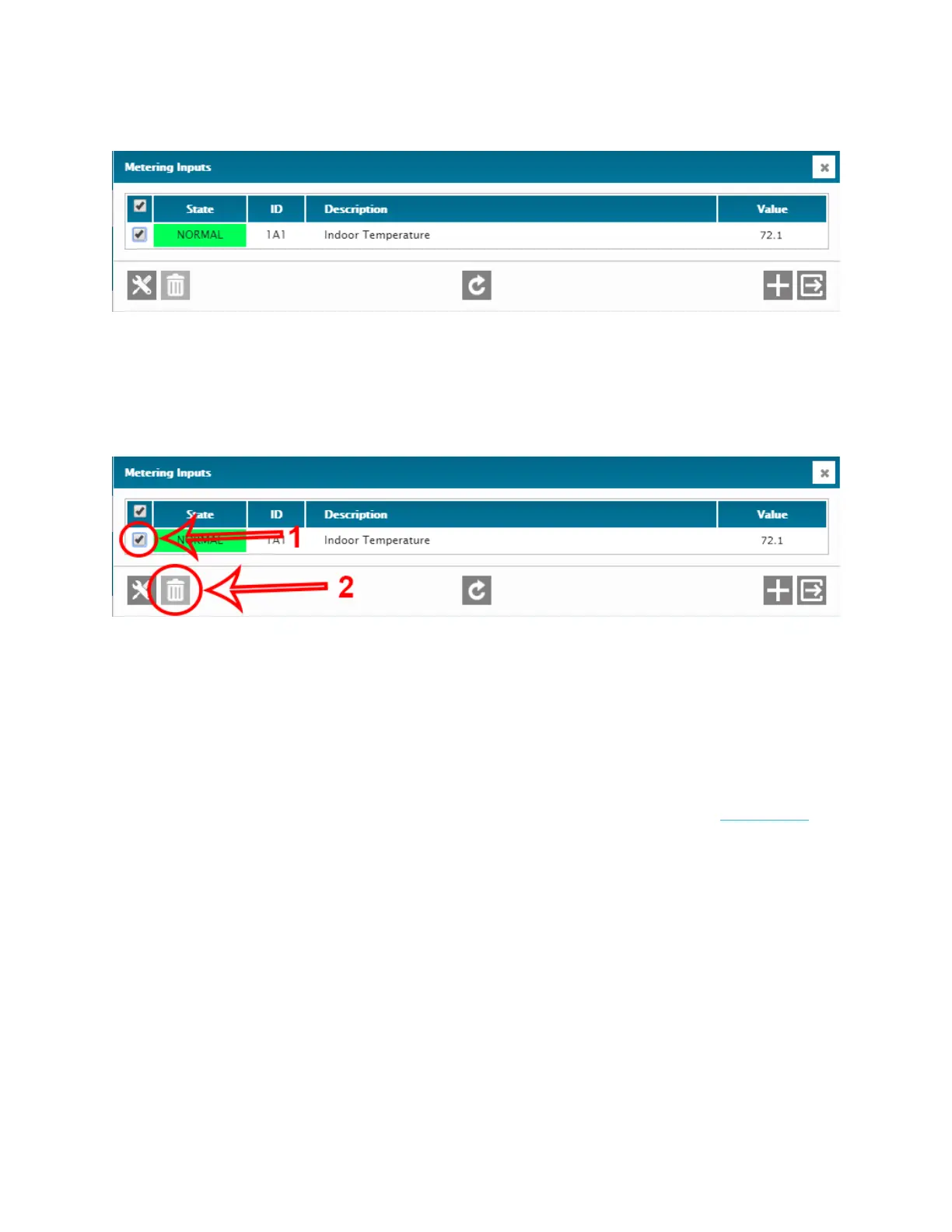
15. You should now see your sensor in the Metering Inputs screen.
16. To delete any configured inputs, select the one(s) you wish to delete and then
click on the delete button.
17. You can add other Metering Inputs using the + button.
For more information about the Metering Inputs menu, please refer to this article.



 To Next Page