94
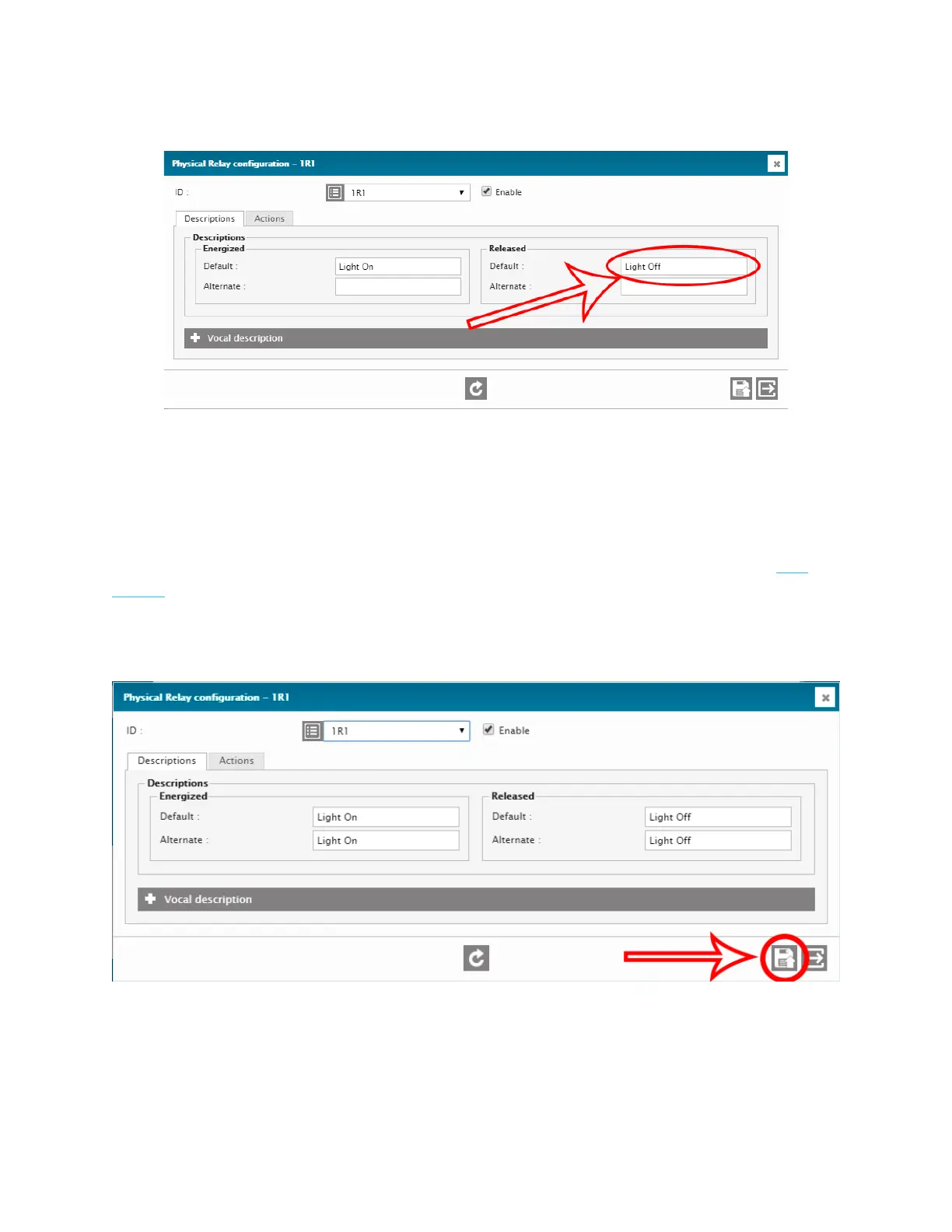
4. Set the Default Released description. This will be displayed when the relay is OFF.
In the
Actions
tab you can change the Operating mode. For the purpose of this
tutorial, we will leave it as is.
For more information on the different Relay Operating Modes, please refer to this
article.
5. Save the configuration.



 To Next Page