Scans may contain some surface parts that you want to remove. You can do this by the following
procedure:
1. Select parts of the surface with the SelectTriangles tool.
2. You can invert your selection by clicking on InvertSelection .
3. A click on DeleteTriangles will remove all selected triangles. Be careful: This can not be undone, at the
moment.
↑ | Shape Fusion | Alignment
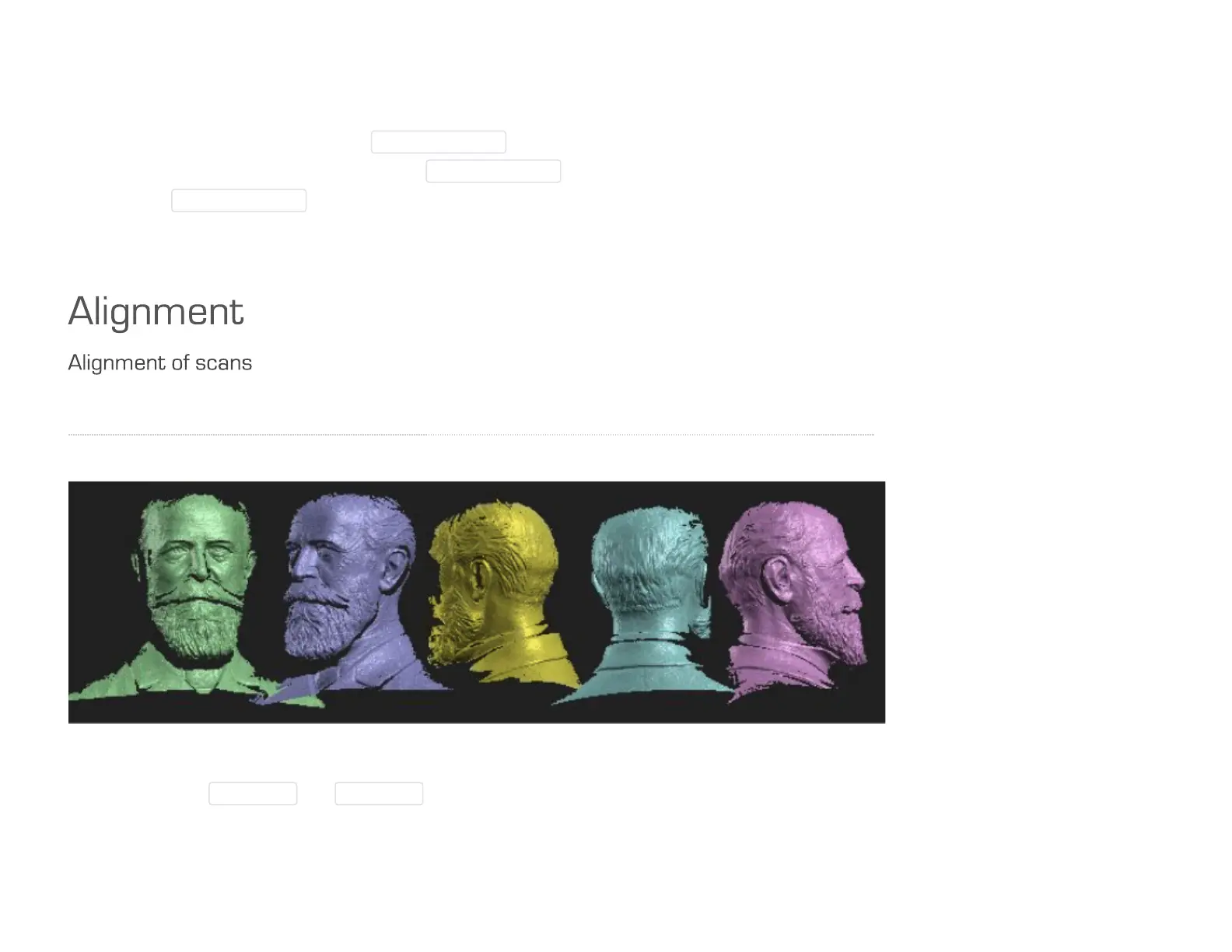
Single scans prior to alignment, arbitrarily arranged
Using the buttons Arrange1D and Arrange2D under "Alignment" you can arrange all scans side by side, to
get a good overview.



 To Next Page