20
Optional: Wireless Transmission Considerations
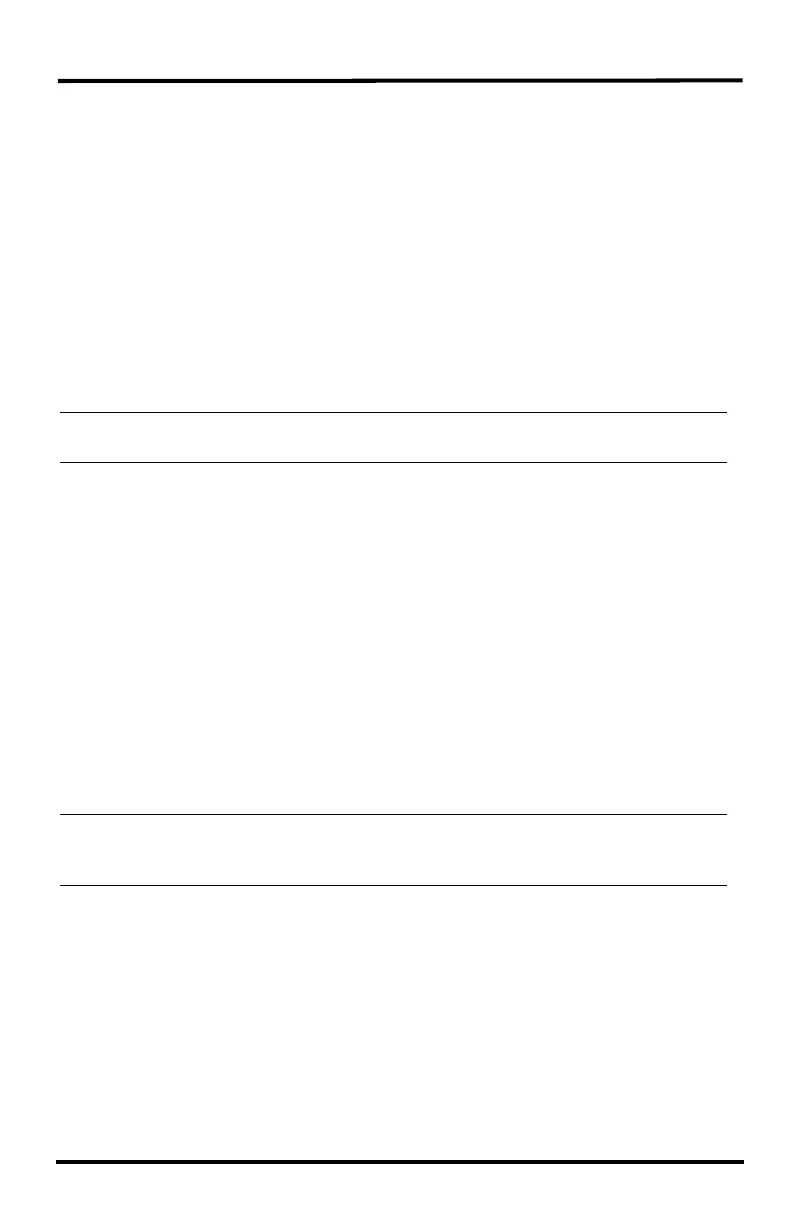
The range of the radio transmission depends on several factors. Try to position the
transmitter and the receiver as close as possible for best results.
Typical maximum ranges include:
• Line of sight: 1000' (300 m).
• Under most conditions: 200 - 400' (60 - 120 m).
Other range and transmission considerations include:
• Range may be reduced by walls, ceilings, trees, foliage, a metal roof or other
large metal structures or objects such as aluminum siding, metal ducts, and metal
appliances, such as refrigerators, televisions, heaters, or air conditioners.
• Transmission between wireless units may be obscured by something
unidentifiable, or by some obstacle that can’t be worked around.
CAUTION: The sensor suite antenna does not rotate in a complete circle. Avoid forcing the
antenna when rotating it.
• Consider using a Wireless Repeater (#7627) or Long-Range Wireless Repeater
(#7654) to strengthen the signal or to increase the distance between the sensor
suite and the console.
• You can use an additional original Vantage Pro2 console (#6312) or Vantage Vue
console (#6351) set to retransmit to increase transmission distance.
Testing Wireless Transmission at Sensor Suite Location
After a suitable place has been found for the sensor suite, it is a good idea to test
reception from the installation location before permanently mounting it there.
Irregular terrain in the area may interfere with the signal. For example, if the sensor
suite is mounted downhill from the WeatherLink Console or WeatherLink Live, the
ground may block a large percentage of the transmitted signal.
Start by setting the sensor suite in the desired location and the powered-up
WeatherLink Console and/or WeatherLink Live where you plan to have it inside.
Tip: If you are concerned about erroneous data, such as tips of the rain spoon, repower the WeatherLink
Console or WeatherLink Live only after moving the sensor suite or be careful to not tip spoons or move
wind vane and cups.
WeatherLink Console:
1. Watch for outside sensor data to appear on your console.
If data does not appear, see the Troubleshooting section of the WeatherLink
Console User Guide for information on how to check wireless signal strength and
for more information on troubleshooting reception problems.
• It’s a good idea to test the WeatherLink Console’s reception anywhere that you
might want to use or mount it now or in the future. You can see the signal
strength on your Console, go to the Account Screen, choose Device Information
and scroll to the sensor suite ID. Signal should say "Good" or "Fair" and












 To Next Page