52
VIO-L212
Code 420120270 REV. 1.0
IT IS very important to keep product rmware updated to the latest version to ensure full performance. Please
check site http://www.dbtechnologies.com for updates under section “DOWNLOADS” periodically.
1. Download and install on your PC the USB BURNER MANAGER under the “SOFTWARE & CONTROLLER” section.
2. Download the .zip le of the latest rmware in the “DOWNLOADS” section of your product.
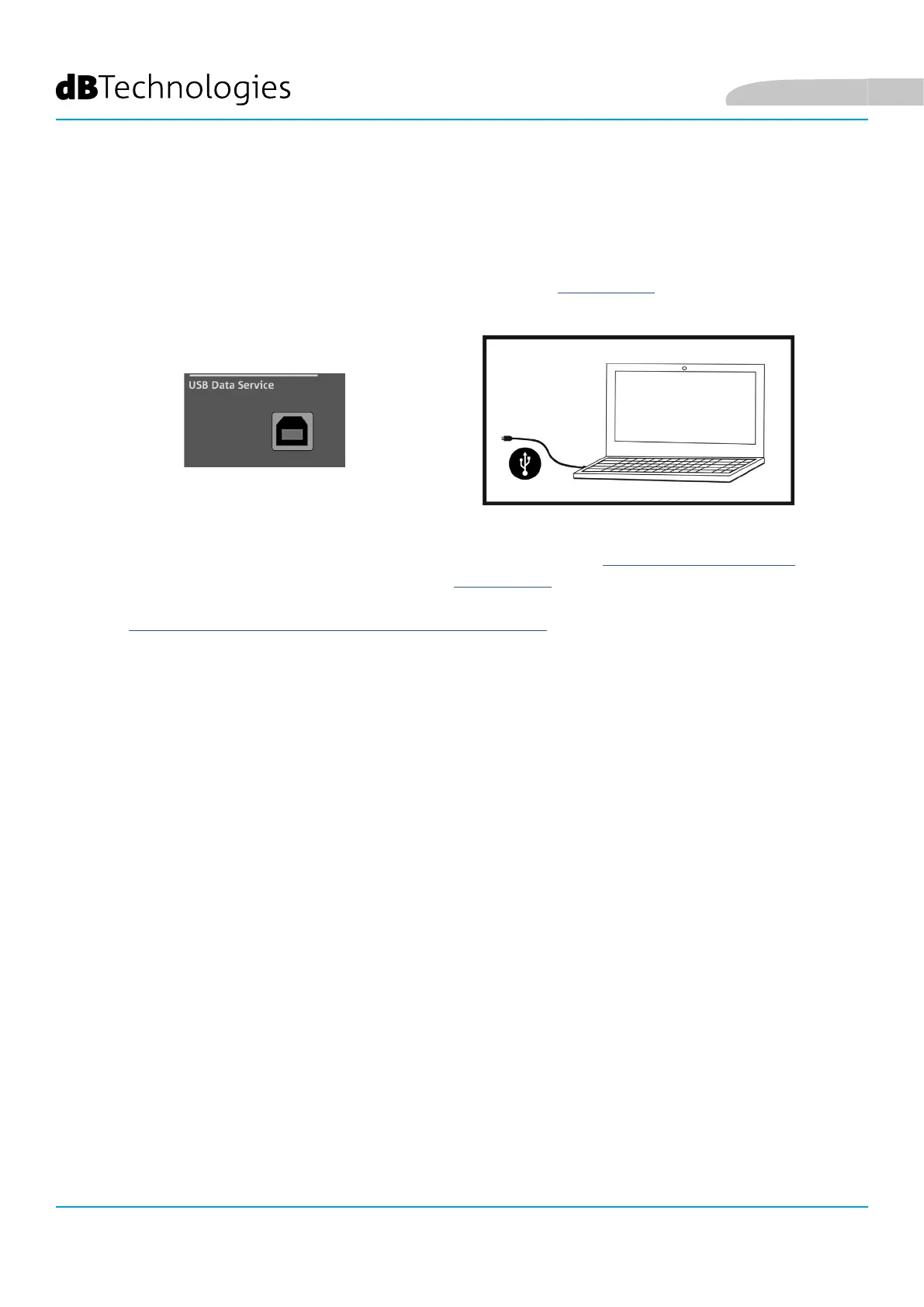
3. Connect the product to the PC using a USB cable (not provided) with a suitable connector type (see this detail
in the FEATURES OF THE AMPLIFICATION AND CONTROL SECTION chapter).
4. In the top right corner of the USB BURNER MANAGER screen, select “File Opening”.
5. Select the le containing the previously downloaded rmware.
6. Follow the operations shown on the screen.
7. Click “UPDATE”.
8. FIRMWARE UPDATES
English



 To Next Page