DBL Technology EP-636 User Manual
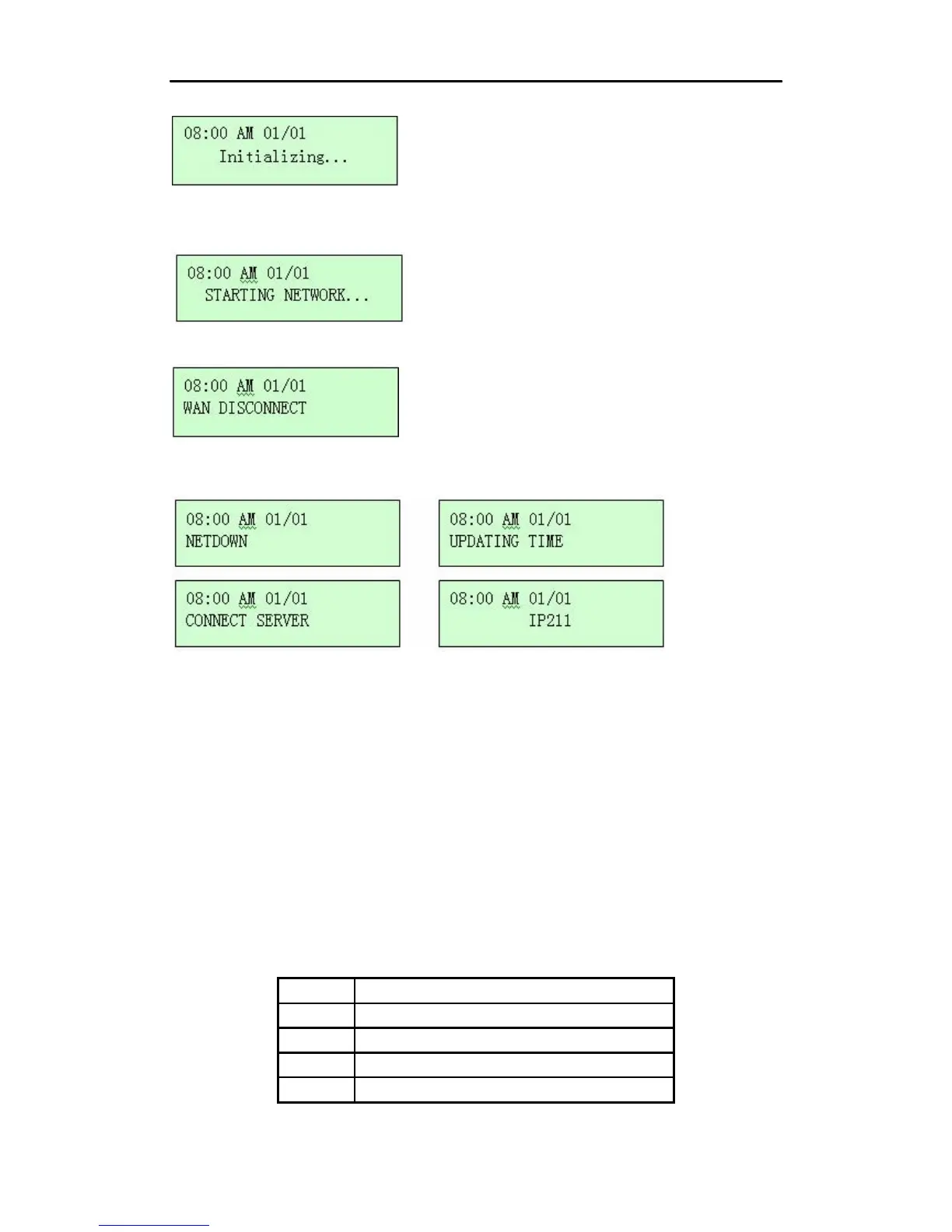
If it’s the first time to start the phone, the following screen will appear.
The phone is trying to detect your network environment.
If your phone is not connected with network, the LCD will display:
If your phone is connected with network, the LCD will display the following information orderly
instead:
Note: the options may be varied in different environment.
3 Using the IP Phone
3.1 Keypad
3.1.1 Number Keys
The following table presents the number keys and their definition. If you need to select numbers,
press the number key one time. If you need to select the letters and other symbols displayed on the
keys, press the key continuously within 1.5 seconds until the one you need appears.
Key
0
1
2
3
Representation
0、+、-
1
2、a、b、c、A、B、C
3、d、e、f、D、E、F
•
11



 To Next Page