DBL Technology EP-636 User Manual
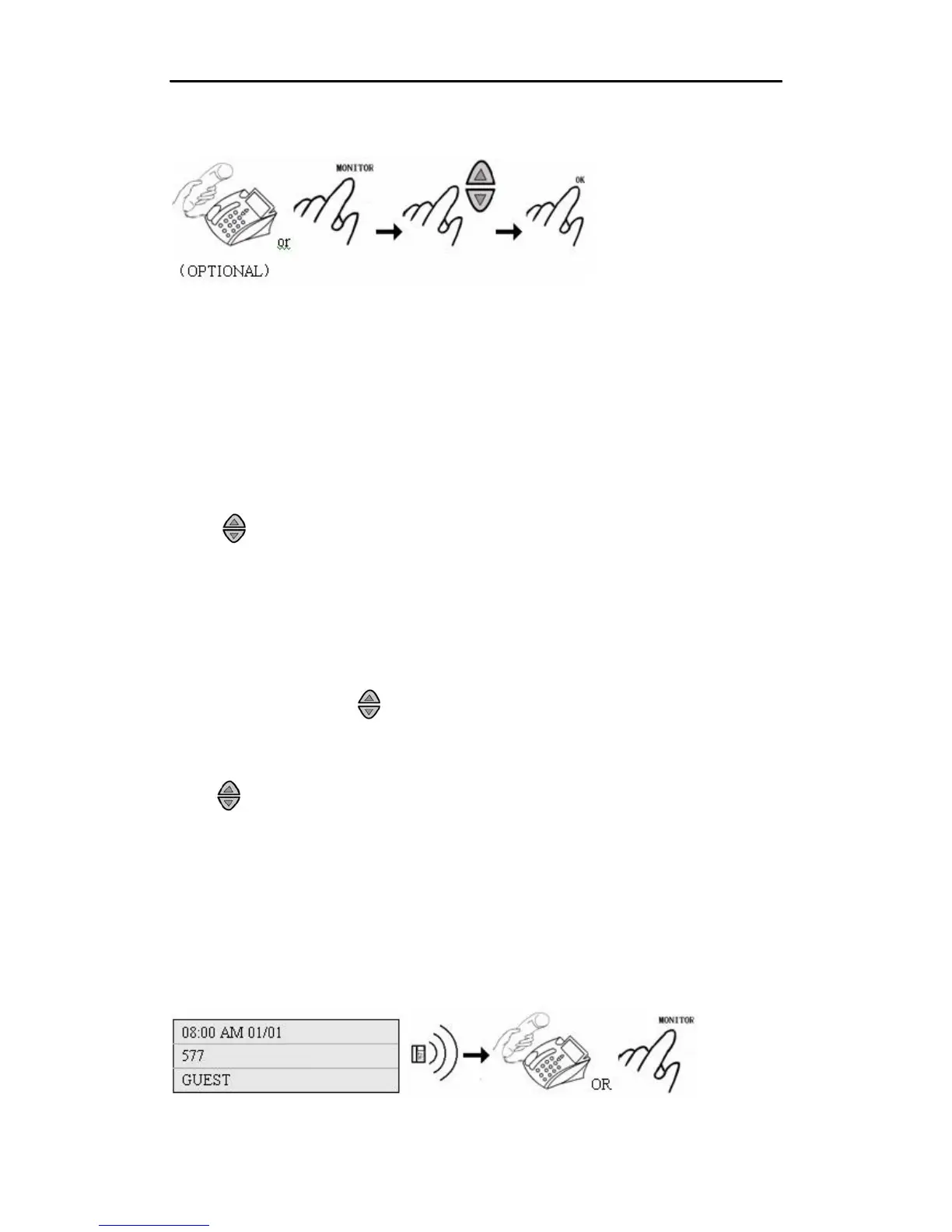
3) Highlight the phone number to be dialed out.
4) Press “OK”.
3.4.5 Making a Phone Call via Call List
There are three types of phone history: Received Calls, Unanswered Calls, and Outgoing Calls.
1) Pick up the handset or press “MONITOR”.
2)Press “MENU” button to view the call list. Press “OK” button.
3)Press “1” to select “MISSED CALLS” history. Press “2” to select “RECEIVED CALLS”
history. Press “3” to select “OUTGOING CALLS” history. (You can also press “OK” button to
select one item.)
4)Use to select one phone number to be dialed out.
5)Press “OK” button to dial out the number you want.
3.4.6 Making a Phone Call via the Phone Book
1) Pick up the handset or press “MONITOR”.
2) Press “MENU”, and use to select “PHONE BOOK”. Press “OK”. (Or you can press
“PHONEBOOK” button directly.)
3) Press “1” to select “VIEW”.
4) Use to select one phone number to be dialed out.
5) Press “OK” to dial out the number you want.
3.5 Answering an Incoming Call
1) The IP Phone rings.
2) The caller ID is displayed on the LCD.
3) Pick up the handset or press “MONITOR”.
•
14



 To Next Page