DBL Technology EP-636 User Manual
5.7.2 Maintain Phonebook
A. To Add a New Record
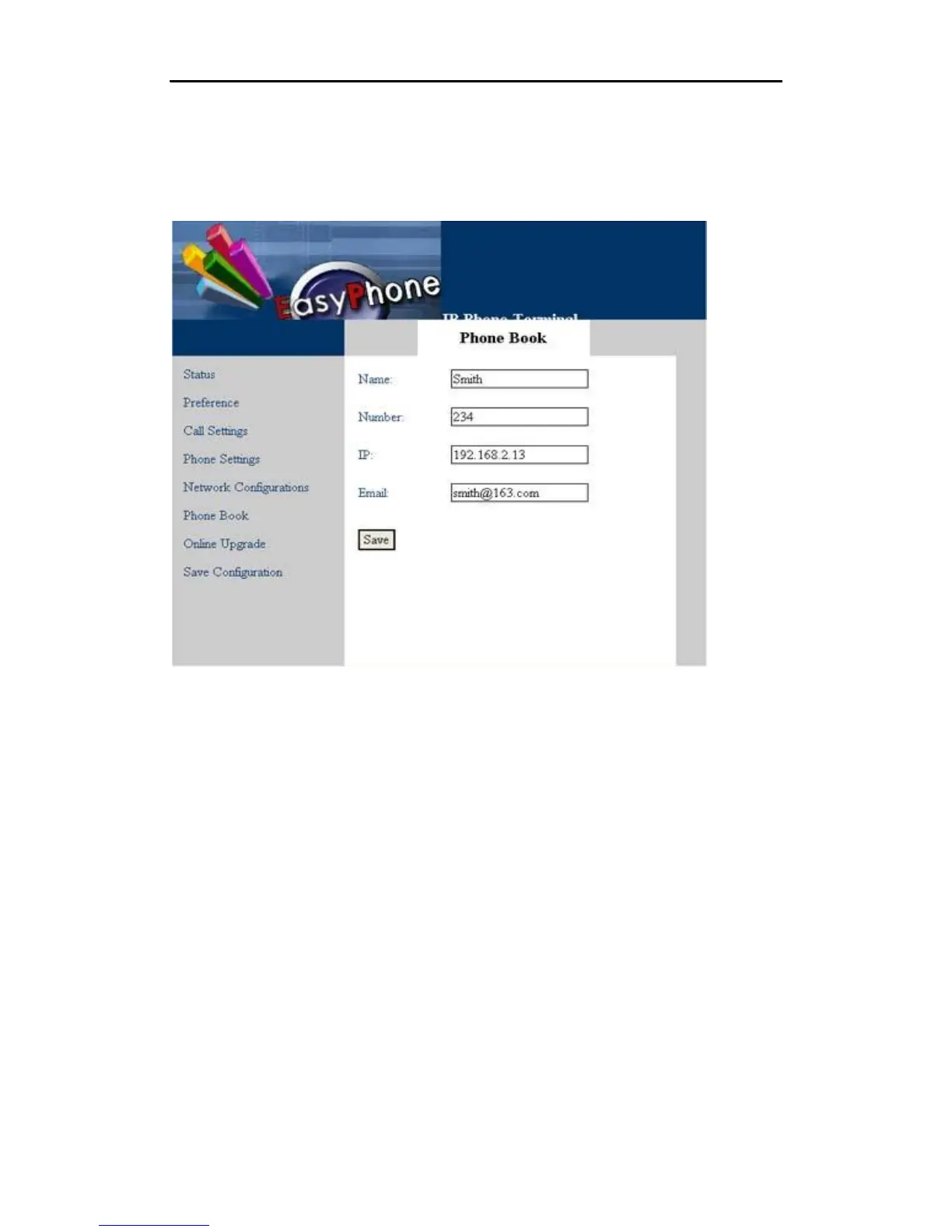
Press “Add” button to add a new record. Then the screen will be displayed as follows.
After entering all items, click the “Save” button to save the information you have entered.
B. To Modify or Delete a Record
Click “Name” to modify the record content. The screen as follows will be displayed.
•
45



 To Next Page