DBL Technology EP-636 User Manual
2.2 Connection Diagrams
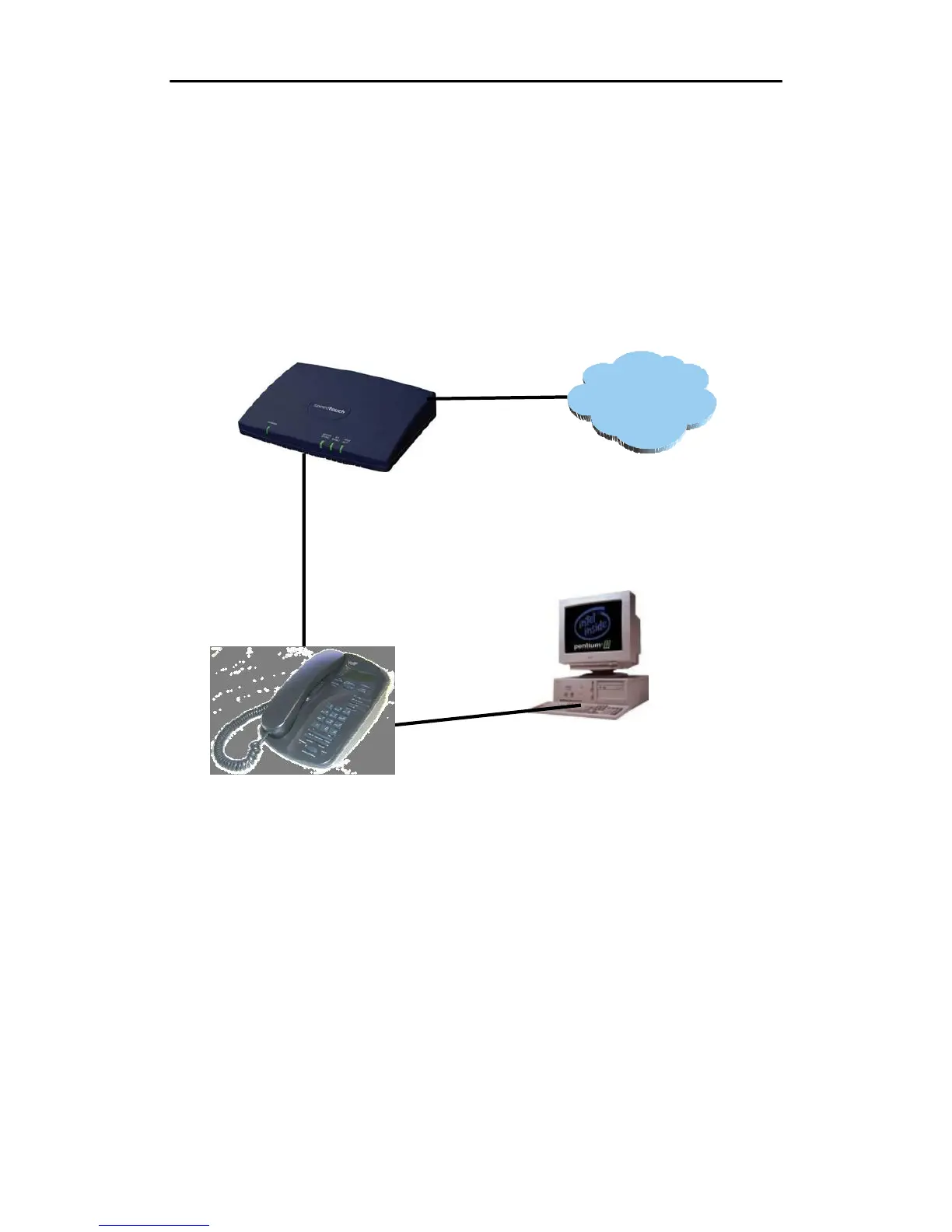
There are mainly two modes of connection: home environment and office environment as follows:
2.2.1 Home User with ADSL/Cable Broadband Connection
(PPPOE)
INTERNE
Broadband Modem
LAN Port
PC Port
PC or Laptop
IP Phone
A. LAN Port
This configuration is very typical for home environment whereas a Broadband modem (ADSL or
Cable) is installed and PPPOE dialup is used to connect to the ISP. Use Ethernet cable to connect
the LAN port of your IP phone to broadband modem (ADSL/Cable), which is connected to
internet directly. Configure it into PPPOE.
B. PC Port
Use Ethernet cable to connect the PC port of your IP phone to a PC or Laptop. Configure it into
“Obtain a Fixed IP Mode” and enable DHCP service.
•
9



 To Next Page