DBL Technology EP-636 User Manual
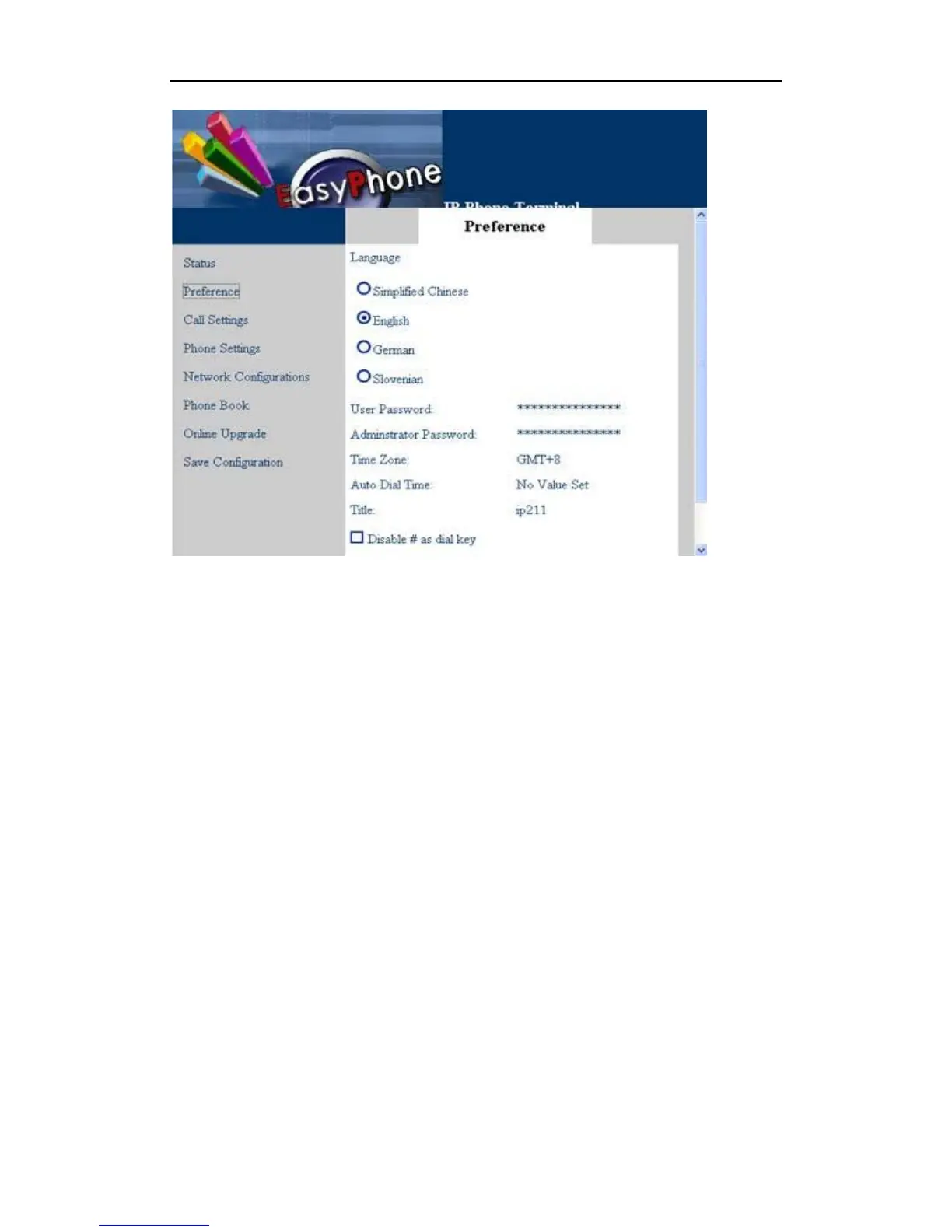
5.3.1 Language
Click “Language” to select one language according to your need. For example, if your present
language used is English, click “English” in the “Language” menu, and your phone will display all
information in English.
5.3.2 User Password
The IP phone supports multiple levels of user administration. The user password is set to allow
you to configure the phonebook and other user administrative tasks. The default is “1234”.
5.3.3 Administrator Password
The administrator password is set to allow you to modify all configuration items assigned to the IP
phone. The default is “dbl#admin”.
5.3.4 Time Zone
The IP phone uses Network Time Protocol (NTP) to retrieve date and time information from an
NTP server. The time is in GMT ± offset. For example, Pacific Standard Time is GMT -8, and
Pacific Daylight Time is GMT -7.
•
24



 To Next Page