DBL Technology EP-636 User Manual
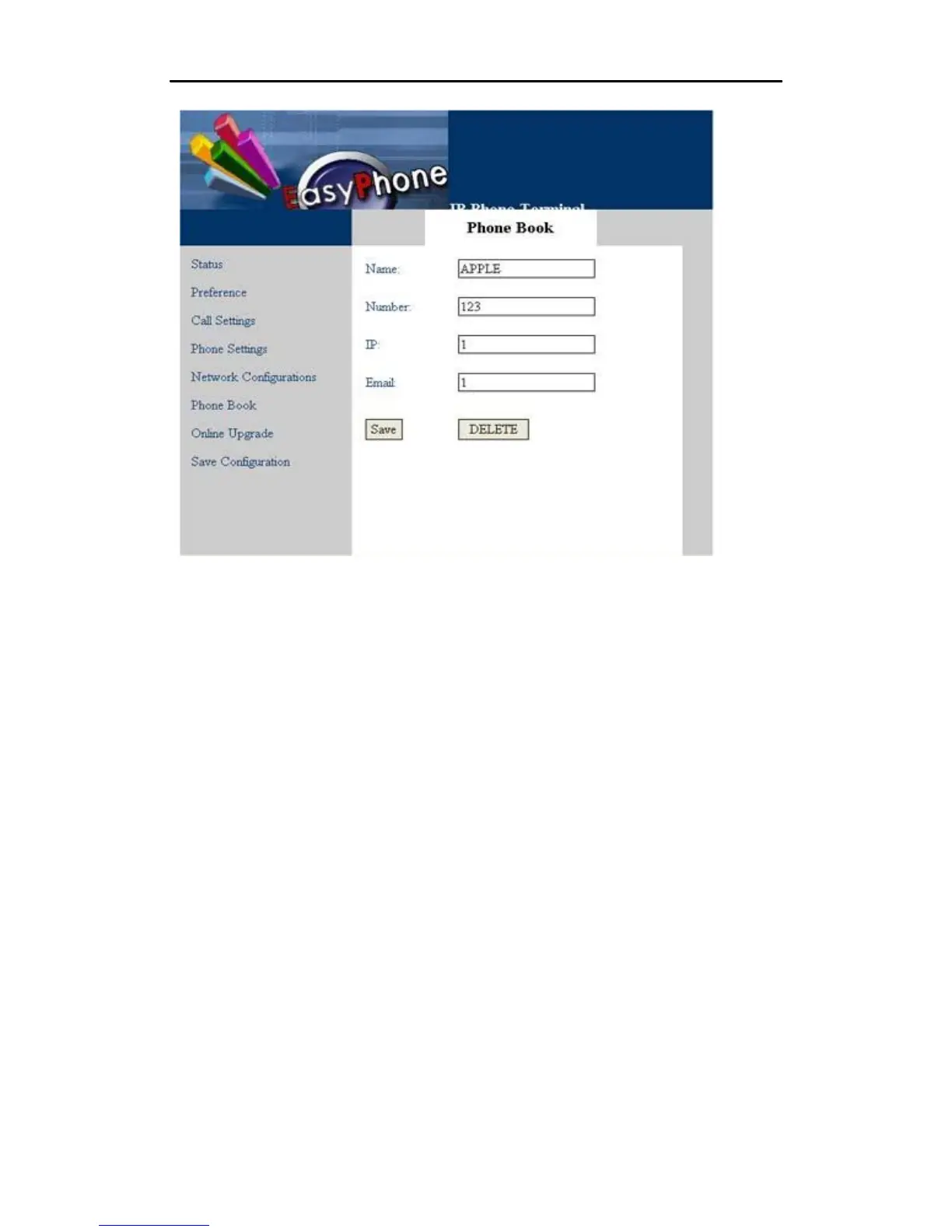
After entering the items you want to modify, click the “save” button to save your modification. If
you want to delete this record, just click the “DELETE” button and this record will be deleted
from the phone book menu.
5.8 Online Upgrade
WARNING! Performing an online upgrade is for experienced users or administrators only!
Click “Online Upgrade” button in the left menu of the configuration page. Enter the IP address or
domain name of the upgrade server and package name (for example, http:
//192.168.2.1/update/T32HS-3.05.pkg) and then click
•
“Start”.
46



 To Next Page