EasyManua.ls Logo

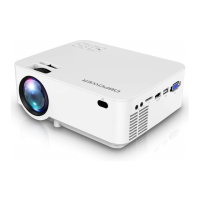
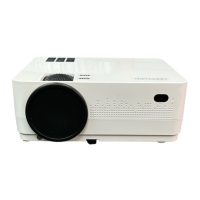
DBPOWER RD-821 - Display Solutions

DBPOWER RD-821
32 pages
Print Icon
To Next Page IconTo Next Page
To Previous Page IconTo Previous Page
Loading...


DISPLAY SOLUTION

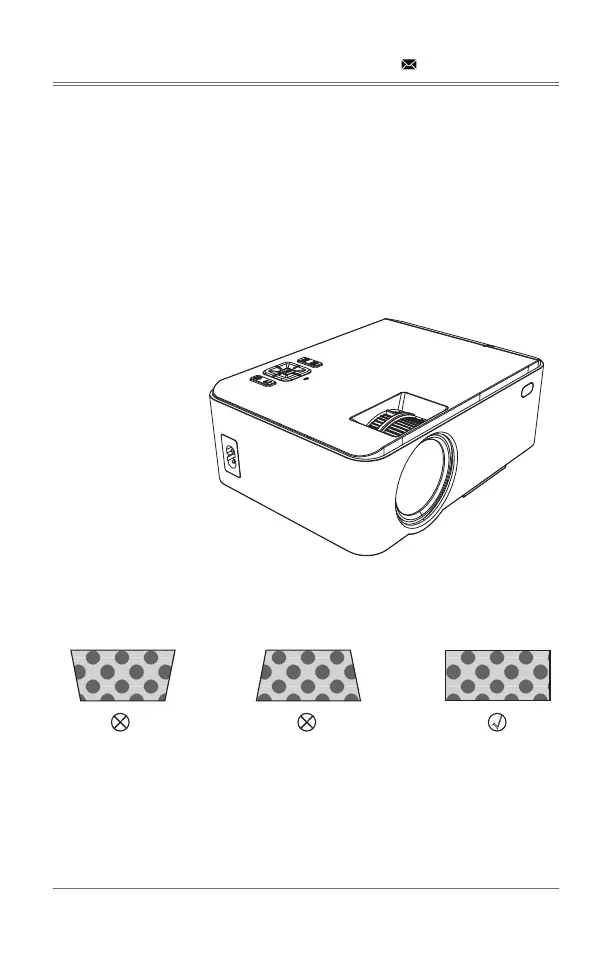
Make sure the projector is horizontal to the projector screen and adjust the focus by pressing

You can display video or the menu to check adjustment.
support@dbpowershop.com





projection screen is not vertically positioned.


× ×

Related product manuals