EasyManua.ls Logo

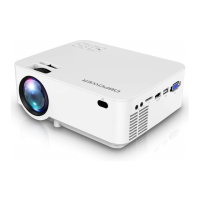
DBPOWER RD-821 - Ios Screen

DBPOWER RD-821
32 pages
Print Icon
To Next Page IconTo Next Page
To Previous Page IconTo Previous Page
Loading...
7.2 iOS Screen
iOS Screen has three connection methods
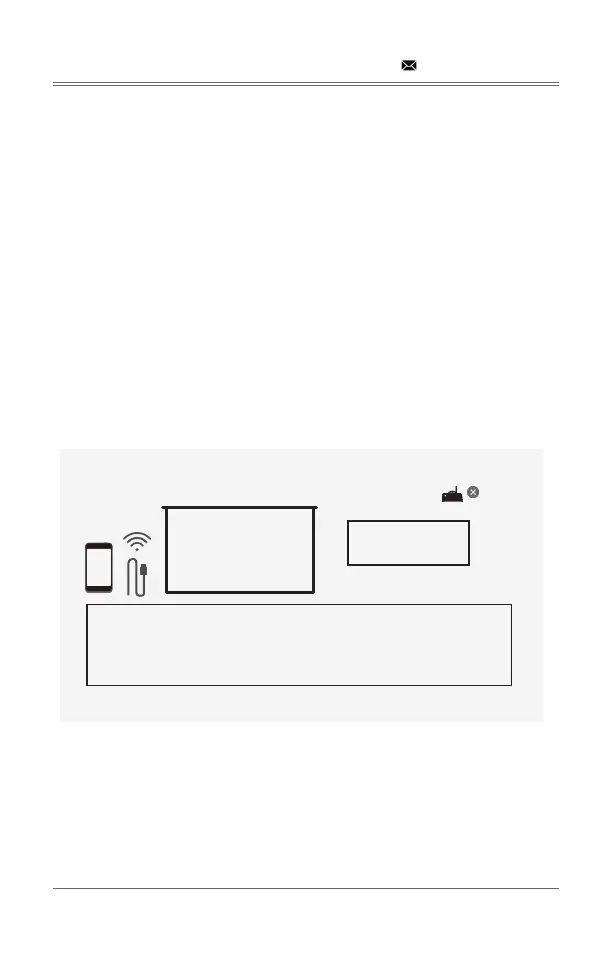
7.2.1 Method 1: Wireless connection without Wi-Fi router
Step 1: 
Step 2: 

will connect to the projector.
Step 3: 
The device name and password of the projector.

The instruction of iOS Screen.

support@dbpowershop.com
Version:1.3.a_20200910
iOS Screen
iOS
SSID:DBPOWER_0B1F
password: 12345678
Waiting for connection...
1: On your iOS device, turn on Wi-Fi and connect to DBPOWER_0B1F
2: Open Control Center and Screen Mirroring
3: Select DBPOWER_0B1F

Related product manuals