7.1 Android Screen
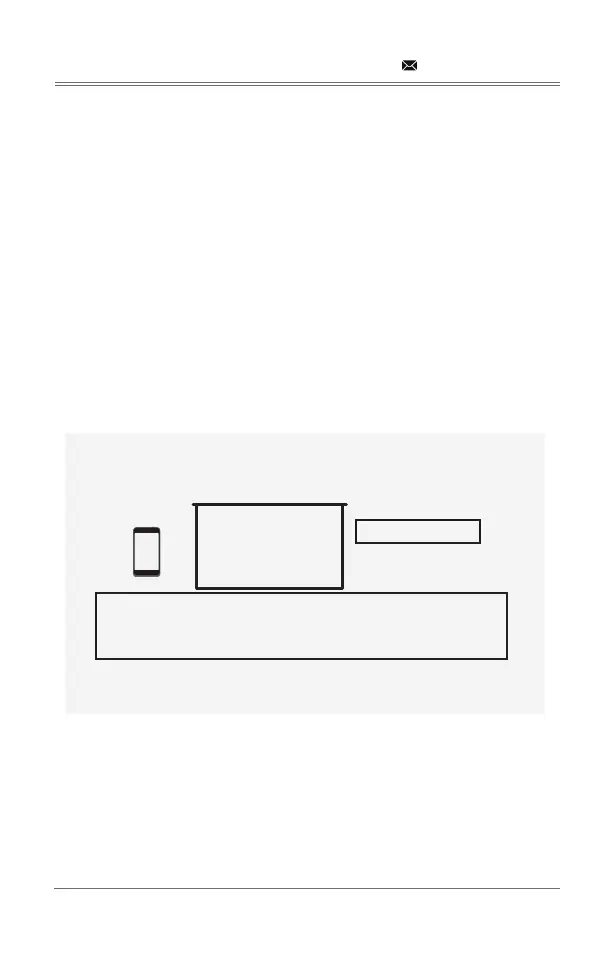
Android Screen has two connection methods:
7.1.1 Method 1: Wireless Connection (Recommeded)
Step 1: Select Android Screen in the Syncscreen interface
Step 2:
Note: Diferent Android device have diferent positions and names for the screen mirroing
① The SSID is the device name of the projector.
② The instructions of Android Screen.
support@dbpowershop.com
Android Screen
Android
SSID:DBPOWER_0B1F
Waiting for connection...
1: On your Android device, turn on WLAN
2: Launch the Screen Mirroring or Multi-screen function
3: Select DBPOWER_0B1F
Version:1.3.a_20200910
①
②


 To Next Page