EasyManua.ls Logo

DBPOWER RD-821 - Syncscreen Setting

DBPOWER RD-821
32 pages
Print Icon
To Next Page IconTo Next Page
To Previous Page IconTo Previous Page
Loading...
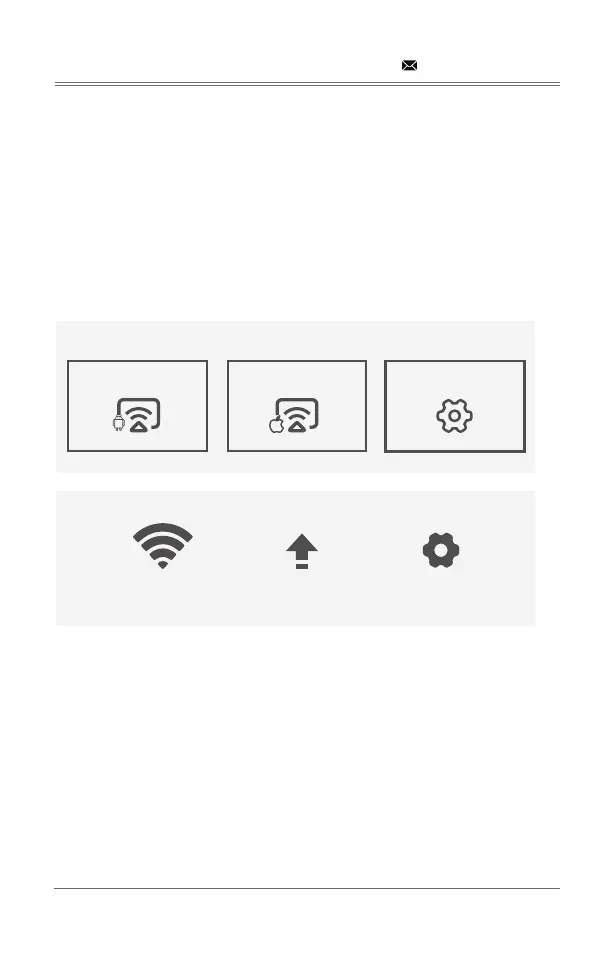
SYNCSCREEN SETTING
Step 1: Select SyncScreen Setting from syncscreen.
Step 2: Choose the setting you want.
The settings include three functions: 
WIFI: Search and Cormect WiFi.
System Upgrade: 
More Setting: 

support@dbpowershop.com
S Y NCSCREEN
Android Screen iOS Screen SyncScreen Setting
WIFI System Upgrade More Setting

Related product manuals