25
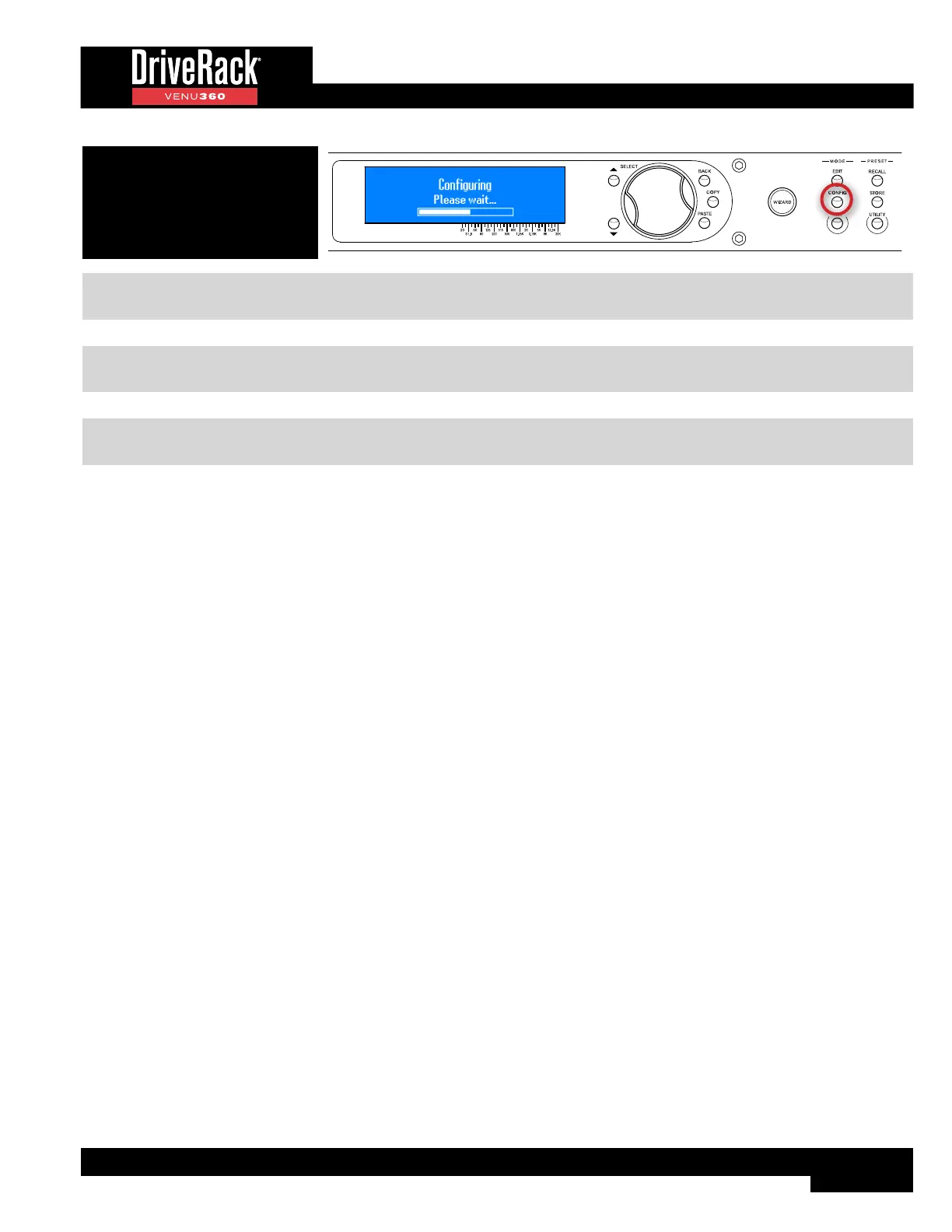
5. Press the CONFIG button again
or the SELECT wheel to apply the
changes.
TIP: When done making configuration changes, pressing the CONFIG button twice will perform the “Quick Apply”
function, for slightly faster operation.
NOTE: The VENU360 will load the new configuration and automatically mute all outputs – this is a safety feature. When
ready to audition the system, unmute the outputs.
NOTE: The VENU360 can intelligently determine which modules have been modified in the configuration and make the
necessary changes without losing the settings in all other “untouched” modules in the configuration.



 To Next Page