PSX-AR Manual Rev: P Software Rev: N
13
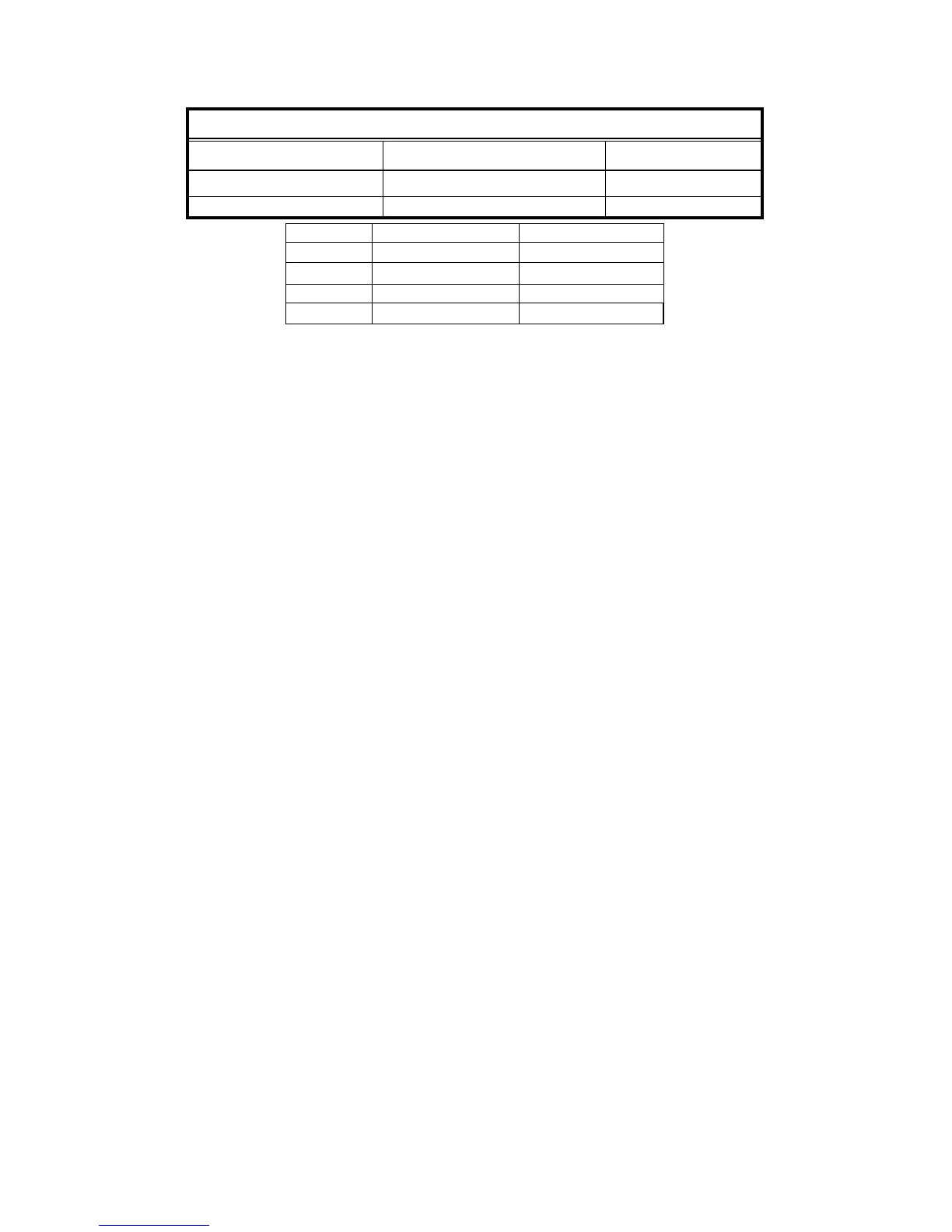
Reference Chart for the Three Accessory Commands
The table above shows how the DCC Manufactures identify the Normal [Clear] and/or the Thrown Route to operate accessories.
H.2 Using Accessory Addresses:
1. The first PSX-AR accessory address [Default address 2042, 997 for Digitrax] lets you use
DCC Accessory Commands to turn the PSX-AR DCC output on and off.
2. The second PSX-AR accessory address [Default address 2043, 998 for Digitrax] is used
to arm the photocell circuit.
a. If the photocell is not armed [power on condition] then covering or uncovering the
photocell has no effect.
b. Sending an ON accessory command to the second address [default 2043, 998 for
Digitrax] arms the photocell.
c. When armed, the ambient light level at the photocell is measured.
d. If the ambient light level drops significantly [e.g. a train covers the photocell], the output
of the PSX-AR is turned off removing power from the track.
e. Once the output has turned off, the photocell reverts to being unarmed until the next
arming command.
f. Track power can be restored by issuing an accessory ON command to the first PSX-
AR accessory address.
g. This is designed to allow you to stop a train at a known point on a hidden staging track.
As the train enters the staging [or other] track, you issue the photocell arming
command. When the train just covers the photocell, the PSX-AR will turn off and the
train will stop exactly at the photocell.
h. In order to leave the staging area, simply issue an accessory ON command to the first
PSX-AR accessory address. The PSX-AR will apply power to the track and the train
can be moved. Since the photocell is now disarmed, you can move the train over the
cell without affecting the power status.
3. Advanced staging control: The photocell can act as a block occupied detector & a staging
control at the same time.
a. Connect a photocell between J4-1 and J4-2.
b. Connect the cathode [-] of an LED to J4-2 and the anode [+] to J4-4.
c. Install a wire between J4-3 and J6-2.
d. Set CV50=1 and CV66=0.
e. This will set the photocell to also control the block detector output [which has the
LED connected now] and will have the PSX-AR power up with the output OFF so
staging areas don’t normally draw current.
f. When you arm the photocell with these settings, the LED will slowly flash indicating it
is waiting for a train.


 To Next Page