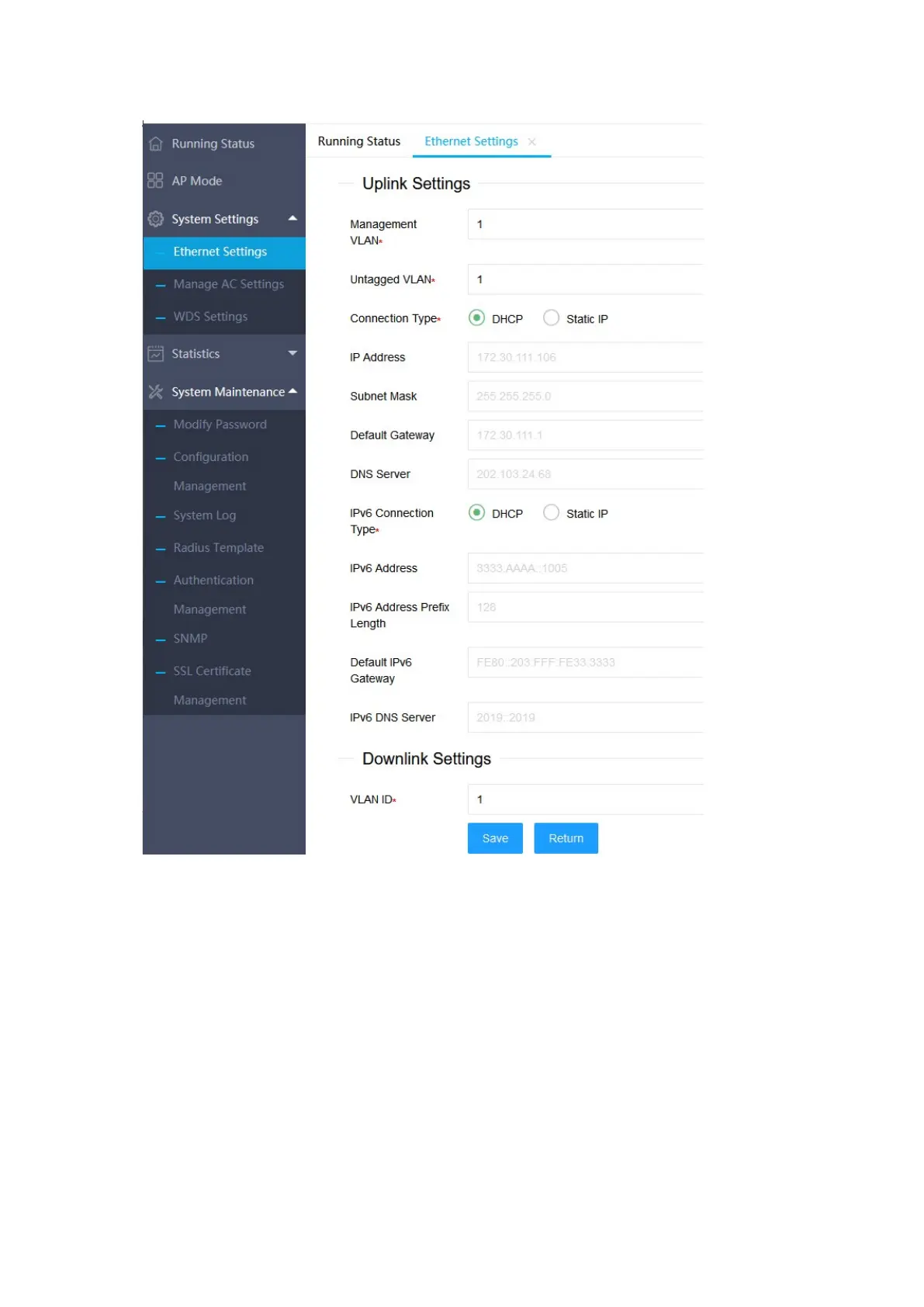
- 19 -
3.1.2 Manage AC Settings
Click "System Settings">>"Manage AC Settings" on the left menu to enter the AC
management setting interface. From this page, you can view the static AC
management address of the current AP setting. If you need to configure the
address of the static management AC, you can click the "Edit" at the bottom of the
page to enter the setting page, where you can configure multiple IP (v6) addresses


 To Next Page