- 24 -
4.1 Setup Wizard
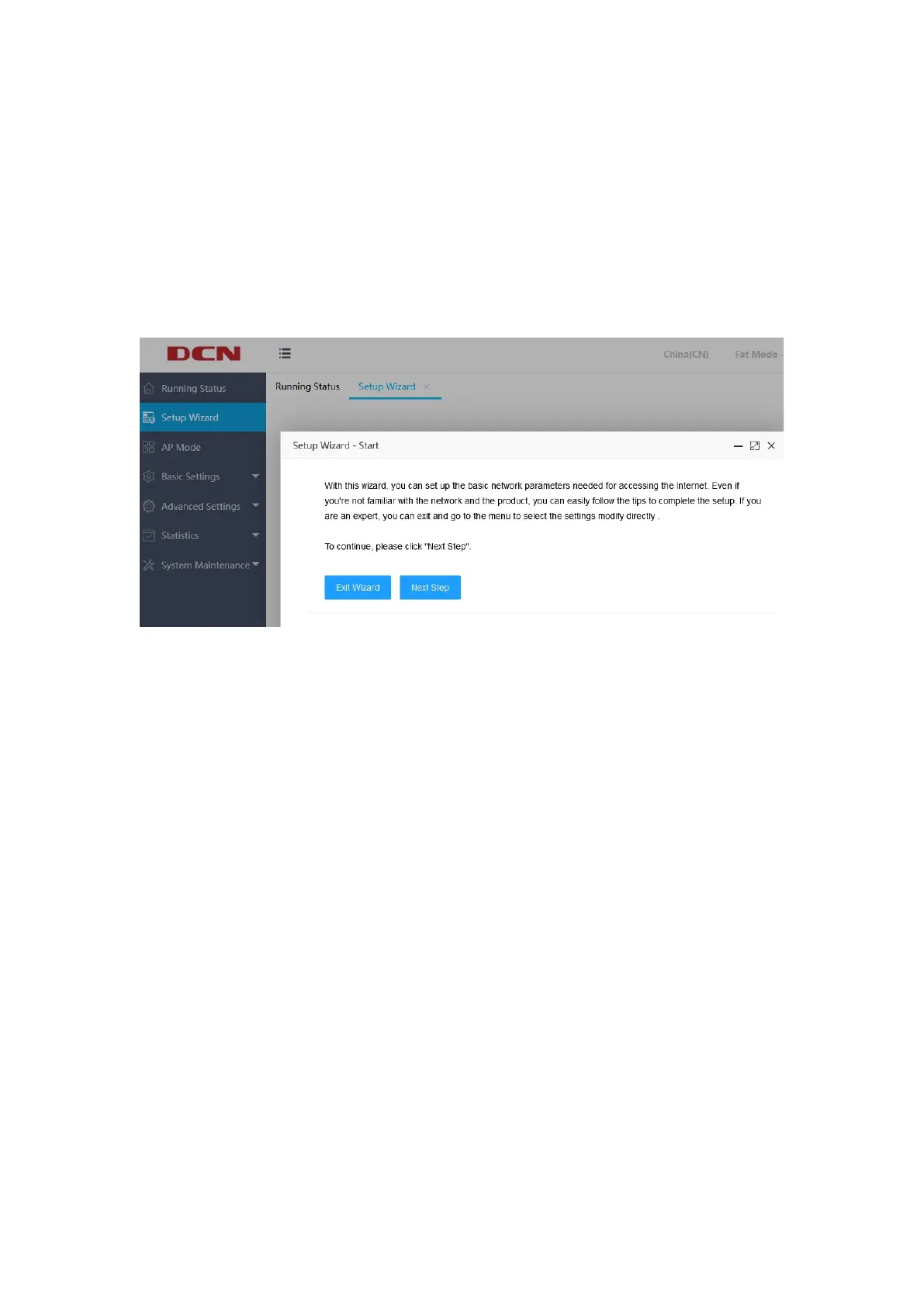
Clicking "Setup Wizard" on the left menu and then the "Setup Wizard-Start"
interface will pop up, which introduces the role of the wizard. If you do not want to
use the wizard, you can select "Exit Wizard".
If you want to use the wizard, you can click "Next Step" to enter the "Setup
Wizard-Manage IP Settings" interface, where you can configure the AP's IP (v6)
address connection method to be dynamic or static, as shown below:


 To Next Page