- 26 -
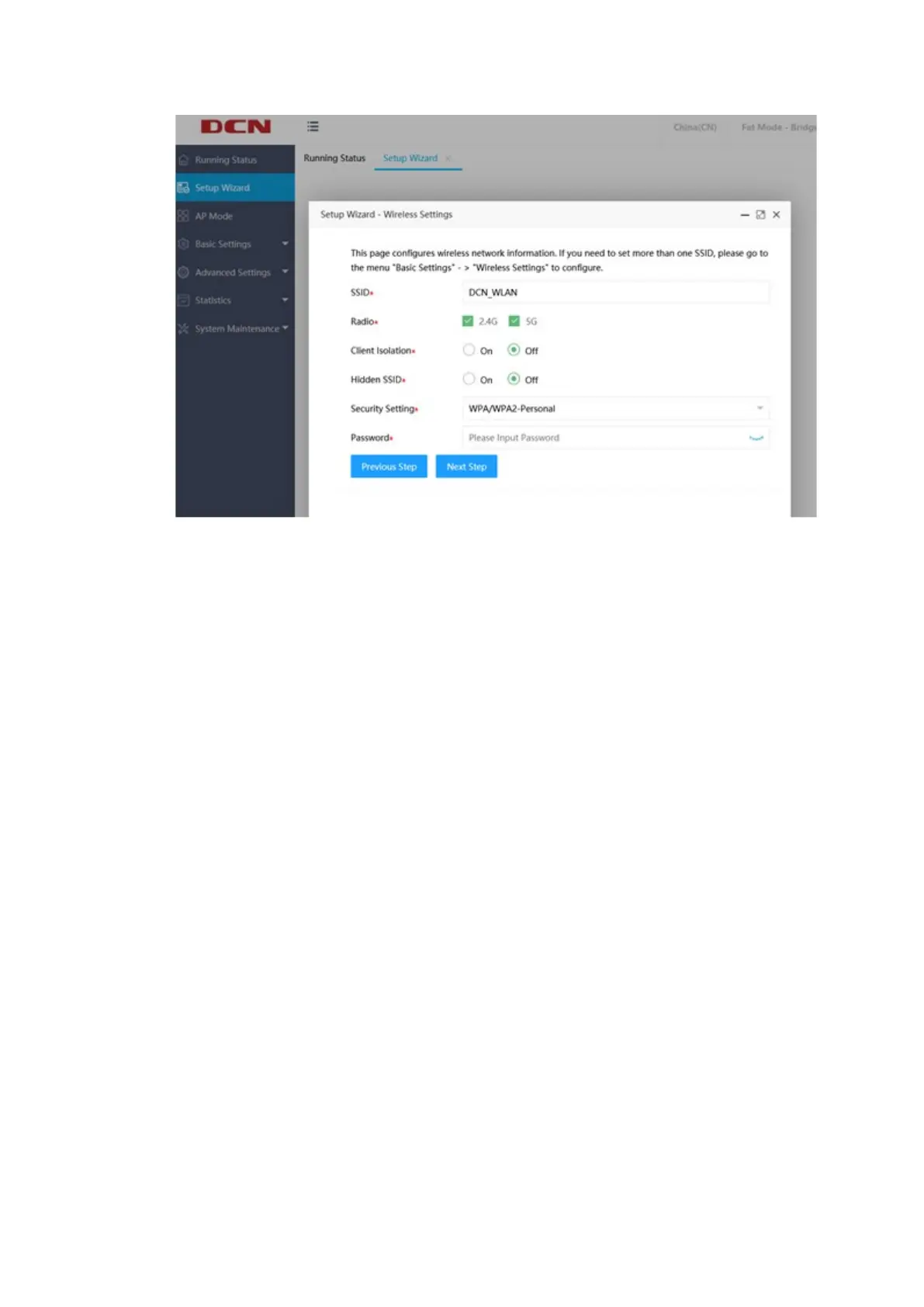
Click "Next Step" and then click "Complete". Finally, before you click
"Complete", you can click "Previous Step" to modify the parameters that have been
set. After you click "Complete", all parameter settings will take effect.
4.2 Basic Settings
4.2.1 Ethernet Settings
Click "System Settings">>"Ethernet Settings" on the left menu to enter the AP
Ethernet setting page. The AP uplink (usually a POE interface) and the current status
of the downlink are displayed by default. Then you can click the "Edit" at the
bottom of the page to enter the page, where you can set the AP wired interface
VLAN and the IP address configuration method of the AP. As shown below:


 To Next Page