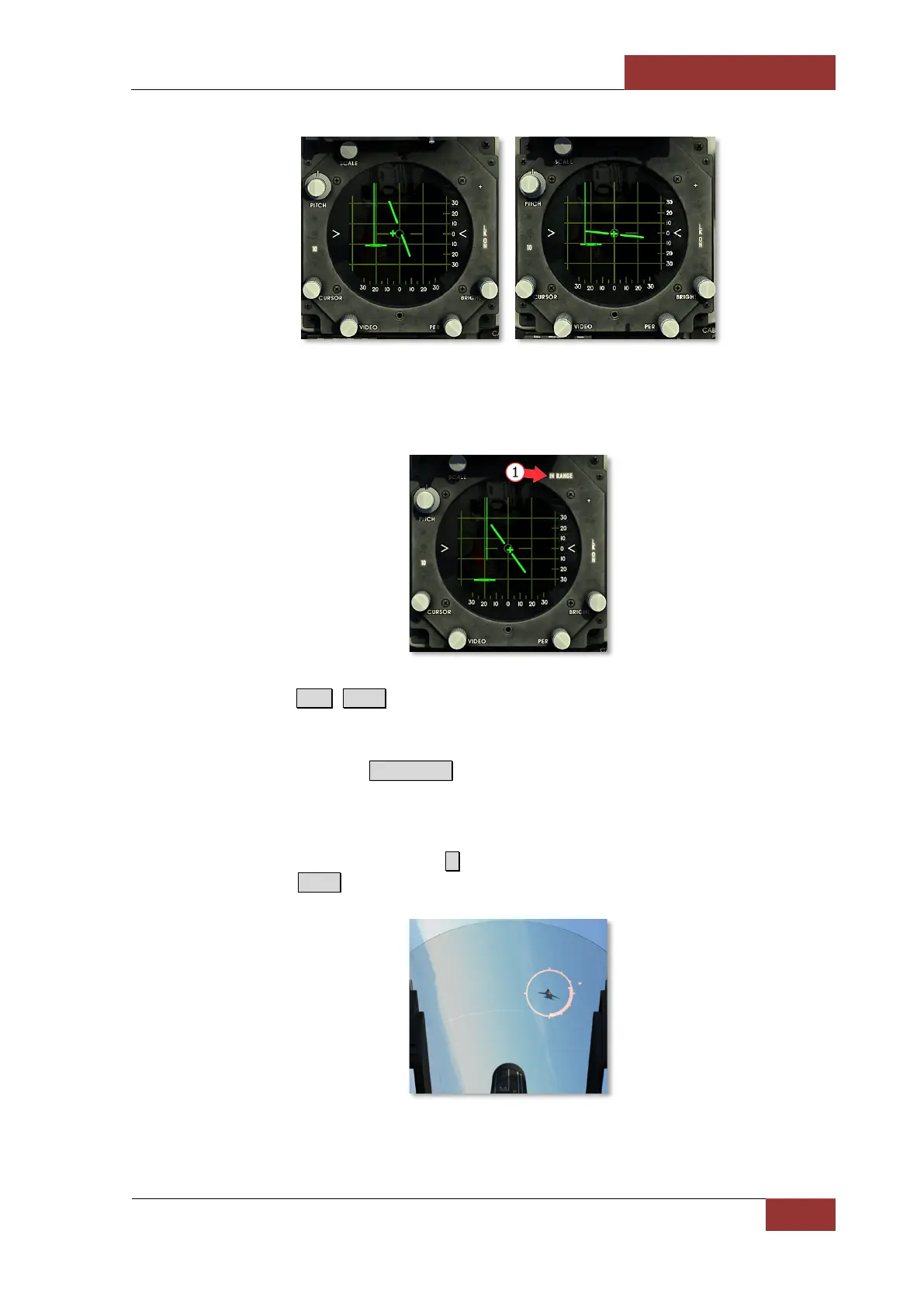
7. When aircraft reaches the launch range, IN RANGE light will illuminate (1), and in-range
marker will appear on the sight. Continue target approach until seeker lock-on audio tone is
heard.
8. Press and hold R.Alt+Space to launch the missile.
In MSL mode, the radar stores target parameters for 1.75 s after target lock-on is lost. The radar will
continue to track the target if it appears within 1.75 s, otherwise, radar will initiate search phase. If it is
necessary to break lock-on, press Backspace . Radar antenna will return to the position held during
previous search phase. Acquisition symbol will appear in last target position before lock-on was lost.
Perform target acquisition and lock-on once again.
9. It is also possible to use guns in MSL mode. In order to do this, arm the guns by setting the
switch to A/A1 GUNS position (press С ). Place the sight reticle pipper on the target and open
fire by pressing Space.



 To Next Page