PLANNING THE INSTALLATION
5
RECOMMENDED INSTALLATION INSTRUCTION
Install components in the following order:
A) Vent Hood
B) Backguard System
C) Range
1) Locate and level range according to range installation instructions.
2) Measure distance from floor to top of island trim on range, adding 1/8”for backguard clearance.
3) Transfer this measurement to the wall. This will mark the bottom of your backguard.
4) From this line measure 28” up wall to mark top of 30” backguard. This is the minimum height
that the bottom of your vent hood can be installed.
6) Follow vent hood manufacturer’s installation instructions to install vent hood.
7) Follow backguard installation instructions to install backguard.
8) Connect gas and electric connections and slide range into position.
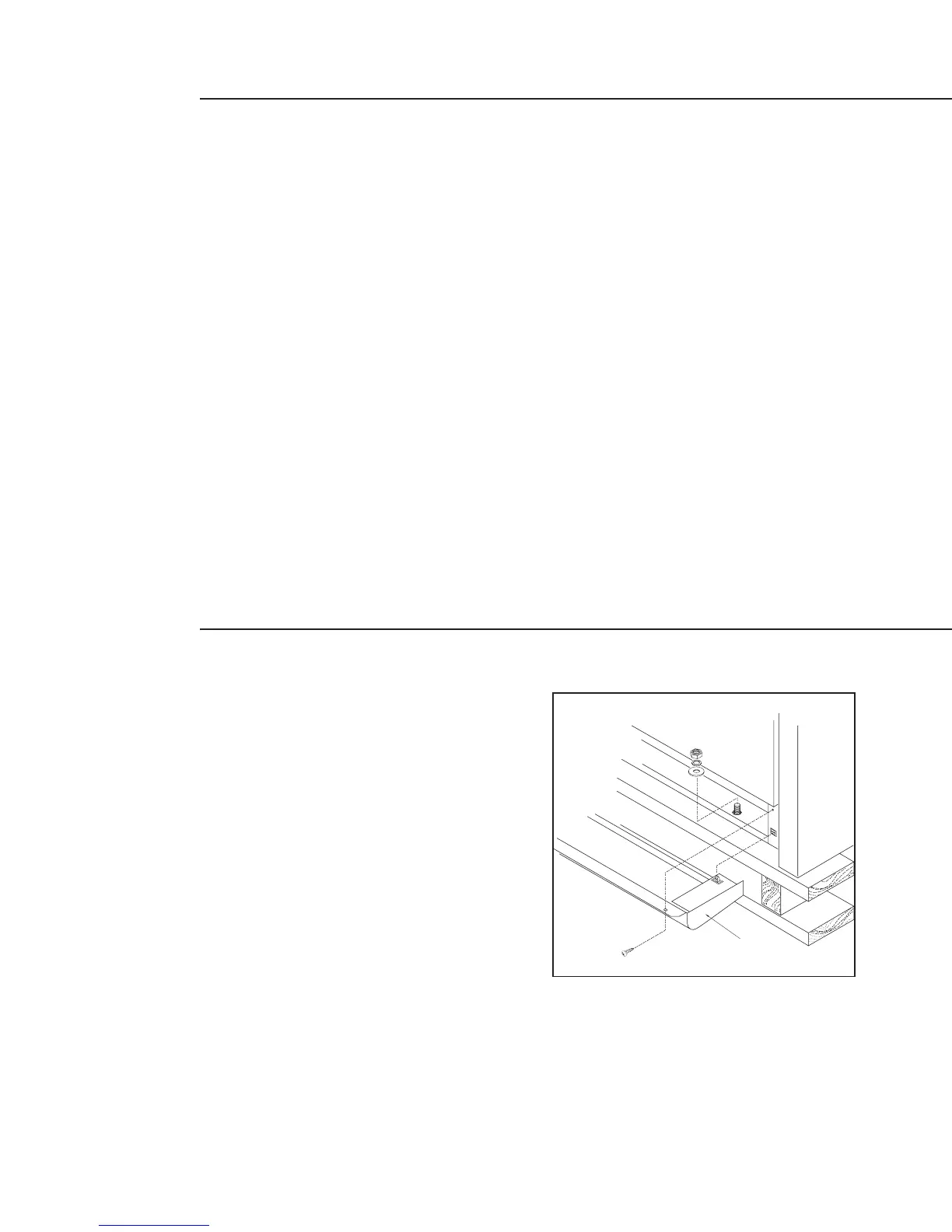
STEP 1:
MOVING AND PLACING THE RANGE
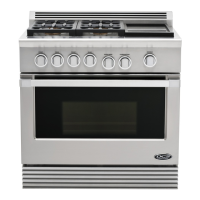
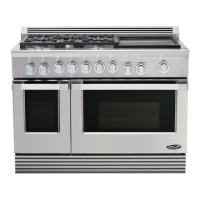
The ranges have shipping weights varying from
420lbs. to 630lbs less approx. 50lbs. after removal of
packing material. It is recommended that the
door(s), grates, front kick panel, and drip pan (below
knobs) be removed to facilitate handling. This will
reduce the weight for ease of handling.
UNPACKING AND HANDLING



 To Next Page