15
10. DDPAI App and Dash Cam Firmware Upgrading
1. Open the DDPAI App and connect to the Dash Cam's Wi-Fi. Click on "Me" at the bottom right corner of the app
to enter the user center.
2. Click on "About DDPAI > Check for New Version" in sequence. The app will automatically check whether the app
version and Dash Cam firmware version are up-to-date:
• If there is a new version available for either the app or the Dash Cam firmware, please follow the app's
prompts to upgrade to the latest version.
During the Dash Cam firmware upgrade process, do not turn off the power, otherwise, it may result in an
unsuccessful upgrade or damage to the Dash Cam. If there is a power outage during the upgrade process and the
Dash Cam fails to upgrade successfully, please contact customer service, download the latest upgrade package,
copy the upgrade package to the Dash Cam via a TF card, and then upgrade.
• If the current version is already up-to-date, then there is no need to upgrade.
11. File Browsing on PC
1. Disconnect the power cable from the N3 Pro Dash Cam and turn off the Dash Cam.
2. Open the card slot cover and gently push the TF memory card with your fingernail or another tool. The card will
pop out automatically.
3. Remove gently the TF memory card from the Dash Cam's card slot and insert it into the accompanying card
reader, then plug the card reader into the PC.
4. Once the PC recognizes the TF memory card, open the DCIM folder in the storage card. From there, you can
browse or edit the photo or video files saved on the TF memory card, which are organized into the following three
folders:
• 200video: includes normal recording videos and time-lapse videos recorded in parking monitoring mode.
Normal recording videos start with a number, while time-lapse videos start with "S" and those ending with
"H" are high-compression encoded recording videos.
• 201photo: includes voice-activated photos and photos generated by collision detection. Normal photos
start with "N", while collision detection photos start with "G".
• 202emergency: includes emergency video files saved when a collision occurs.
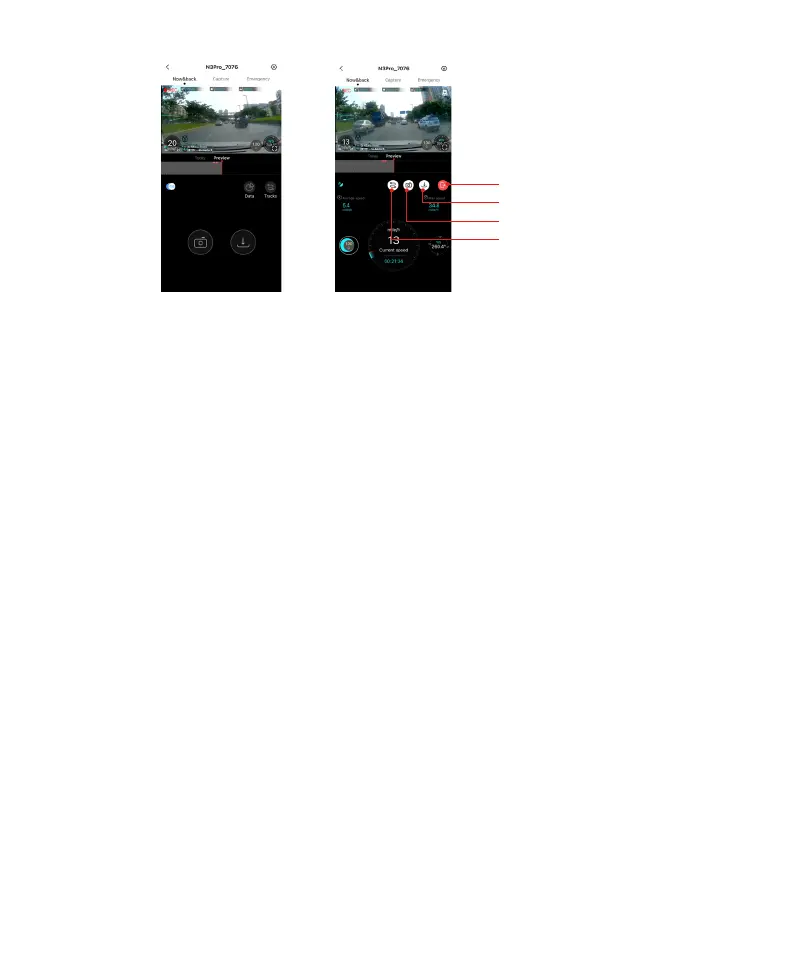
Download
Snapshot
Track view
Exit



 To Next Page