4 THE KD2 PRO UTILITY KD2 Pro
Figure 7: Actions Menu Screen
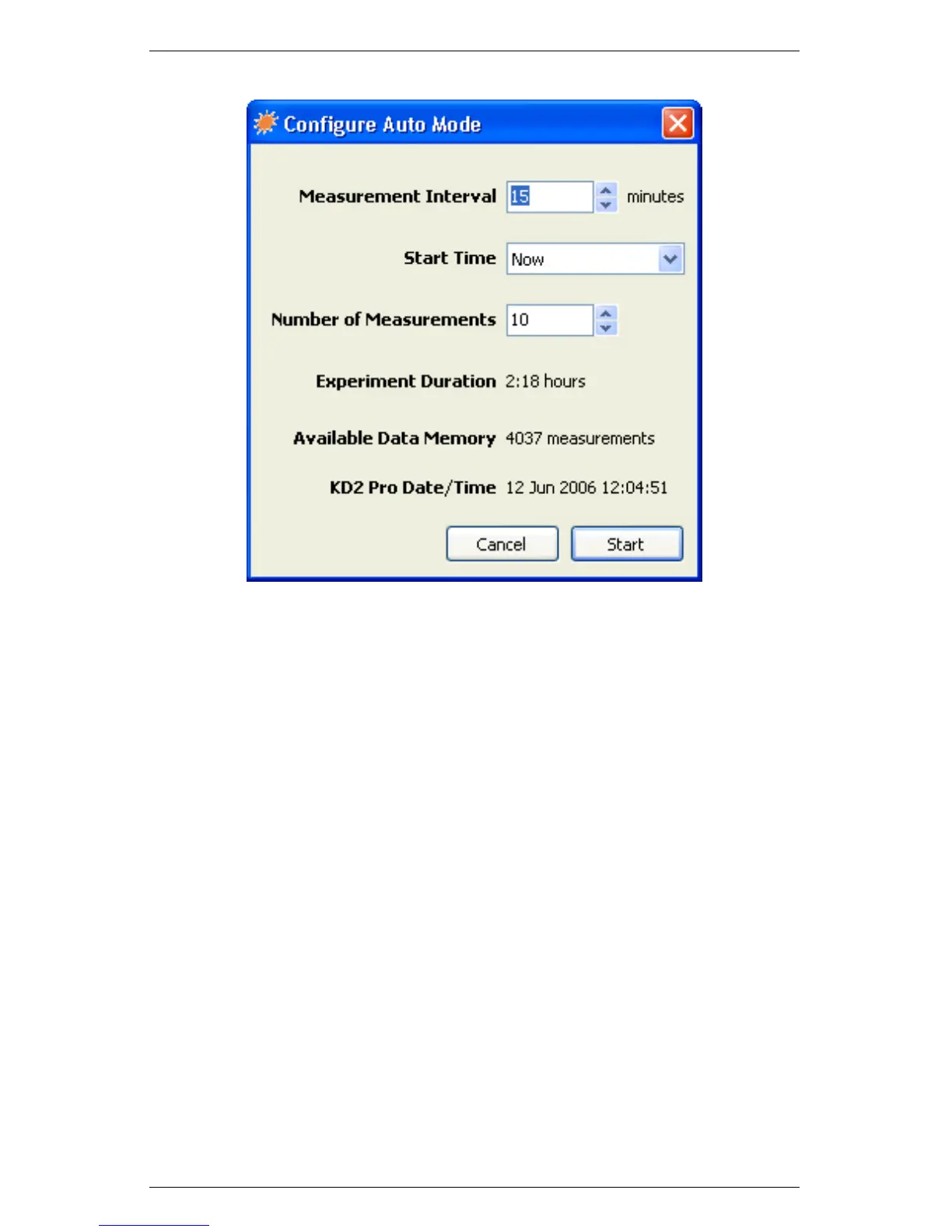
3. Choose values for Measurement Interval, Start Time, and Num-
ber of Measurements. Each of these values is explained below.
Measurement Interval: The Measurement Interval is the
time interval (in minutes) that the KD2 Pro waits between
measurements. The instrument must have a minimum of 15
minutes between measurements to allow for thermal gradients
to dissipate. Therefore, you can select any number over 15
minutes, up to 1,440 minutes (24 hours).
Start Time: Allows you to select when the auto measure-
ment begins. Choose start times ranging from “Start Now”
to delaying the start for 24 hours. If you select “Start Now,”
make sure you have the needle in the sample and thermally
equilibrate because you have only 30 seconds to connect the
thermal properties sensor to the KD2 Pro before the reading
starts.
38



 To Next Page