KD2 Pro 3 THE MENUS
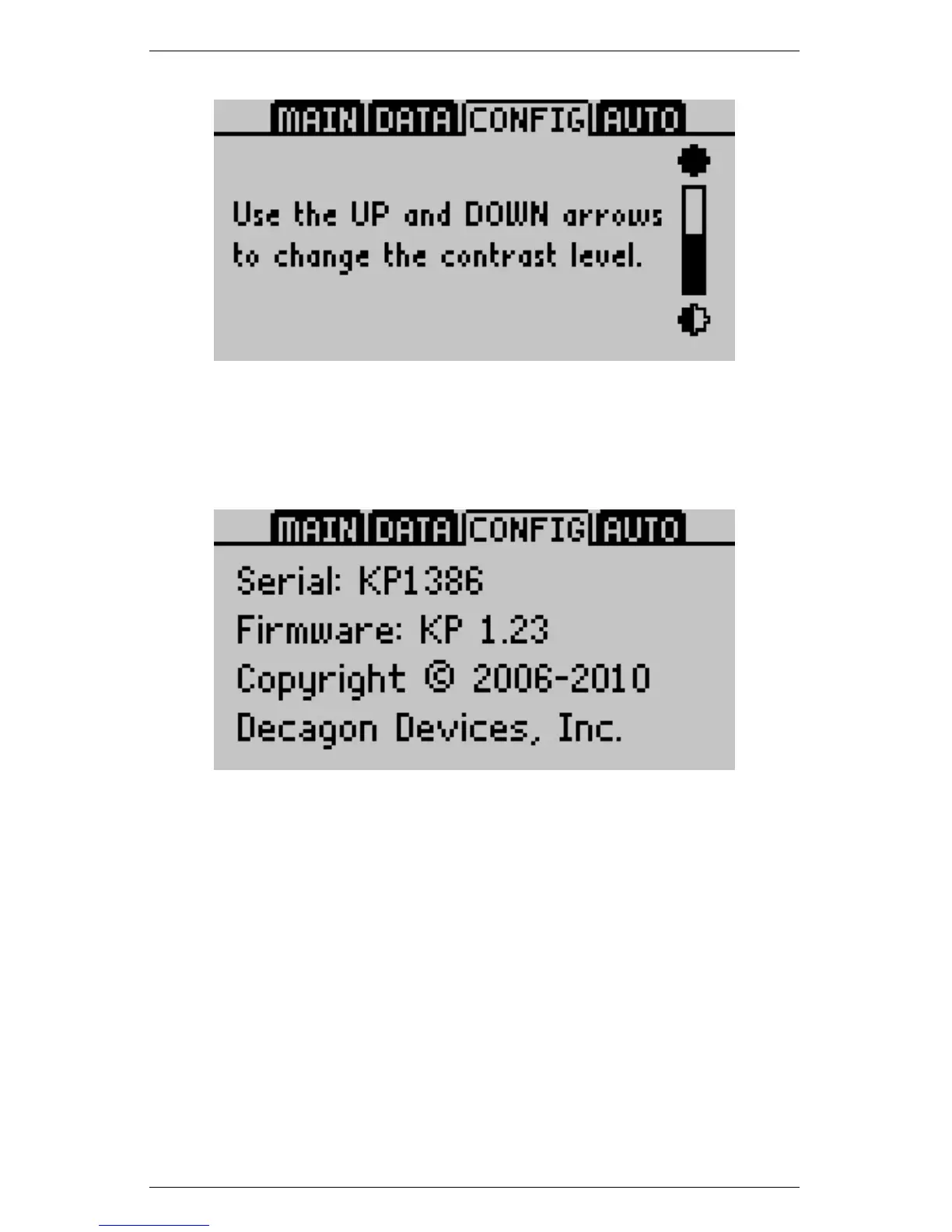
About
Displays the serial number and firmware version of your KD2 Pro.
3.4 The Auto Mode Tab
The Auto Mode allows you to set up the KD2 Pro to take readings
automatically. You can select a measurement time in intervals of 15
minutes. The KD2 Pro takes the reading at the selected interval, in
the currently selected units from the Main menu, and begins as soon
as you select this option.
Note: Should the KD2 Pro data memory ever become full (4,095
readings), you may still take readings, but you cannot save them un-
til you erase the stored readings.
25



 To Next Page