3 THE MENUS KD2 Pro
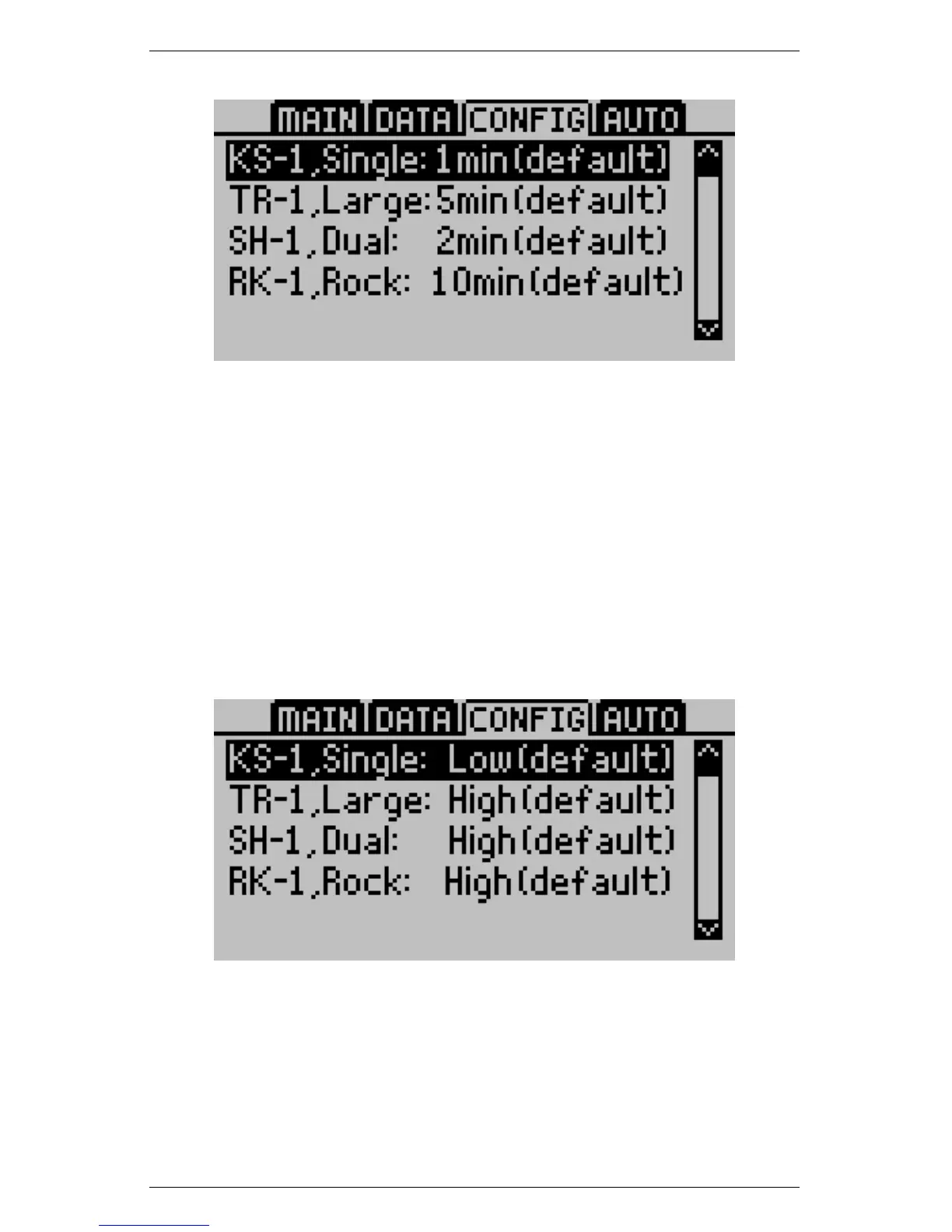
Power Mode
Allows you to change the power mode each sensor type uses. Do
not change the power mode from the default settings unless you are
an expert operator and are making a specialized measurement. To
change the power mode, select the sensor and press enter to toggle
between high and low power mode. Press Esc or Menu to accept the
changes and exit the Power Mode menu. For more information on
situations where you might want to change from the default power
mode, see the Power Mode portion of Section 2.4.
Contrast
Allows you to change the screen contrast level. Press Enter and
follow the on-screen instructions to modify the contrast.
24



 To Next Page