WP
4
PotentiaMeter
Getting Started
11
consistently, place it on a level surface. This reduces
the chance that sample material will spill and con-
taminate the inside of the instrument. To protect the
internal electrical components, and to avoid inaccu-
rate readings, place your WP4 in a location where
the temperature remains fairly stable. This location
should be well away from air conditioner and
heater vents, open windows, outside doors, refriger-
ator exhausts, or other items that may cause rapid
temperature fluctuation.
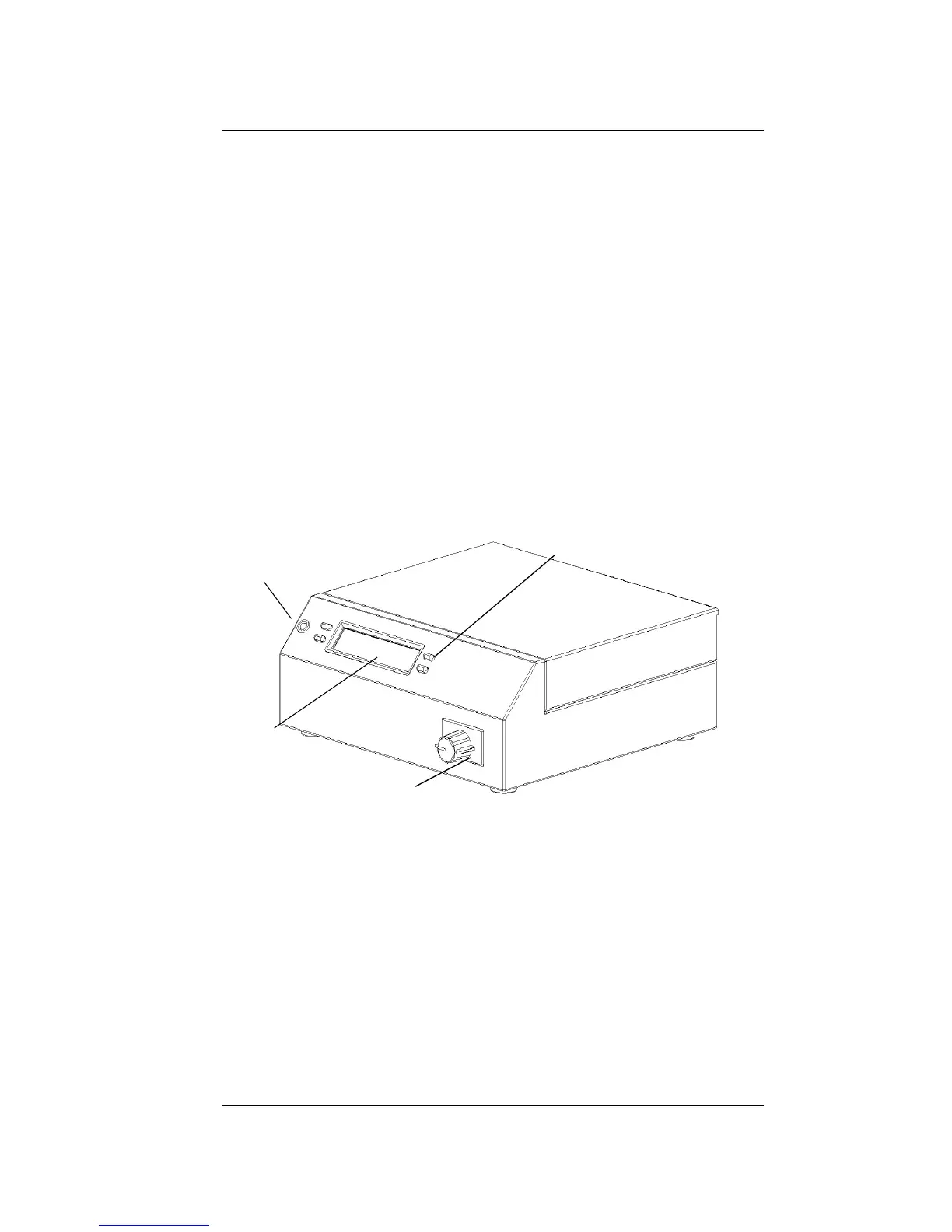
Features
Front view of WP4
LED indicator
light
LCD
Function Keys
Sample drawer



 To Next Page