WP
4
PotentiaMeter
Menus
18
will measure the sample, stop to display the water
potential and sample temperature, then begin
another read cycle. Between samples, it will signal
you with the green LED flash, accompanied by the
beeper, if it is enabled. Some find it helpful to con-
nect their WP4 to a computer while in continuous
mode in order to log and store data over time. For
instructions on how to do this, see Chapter 8.
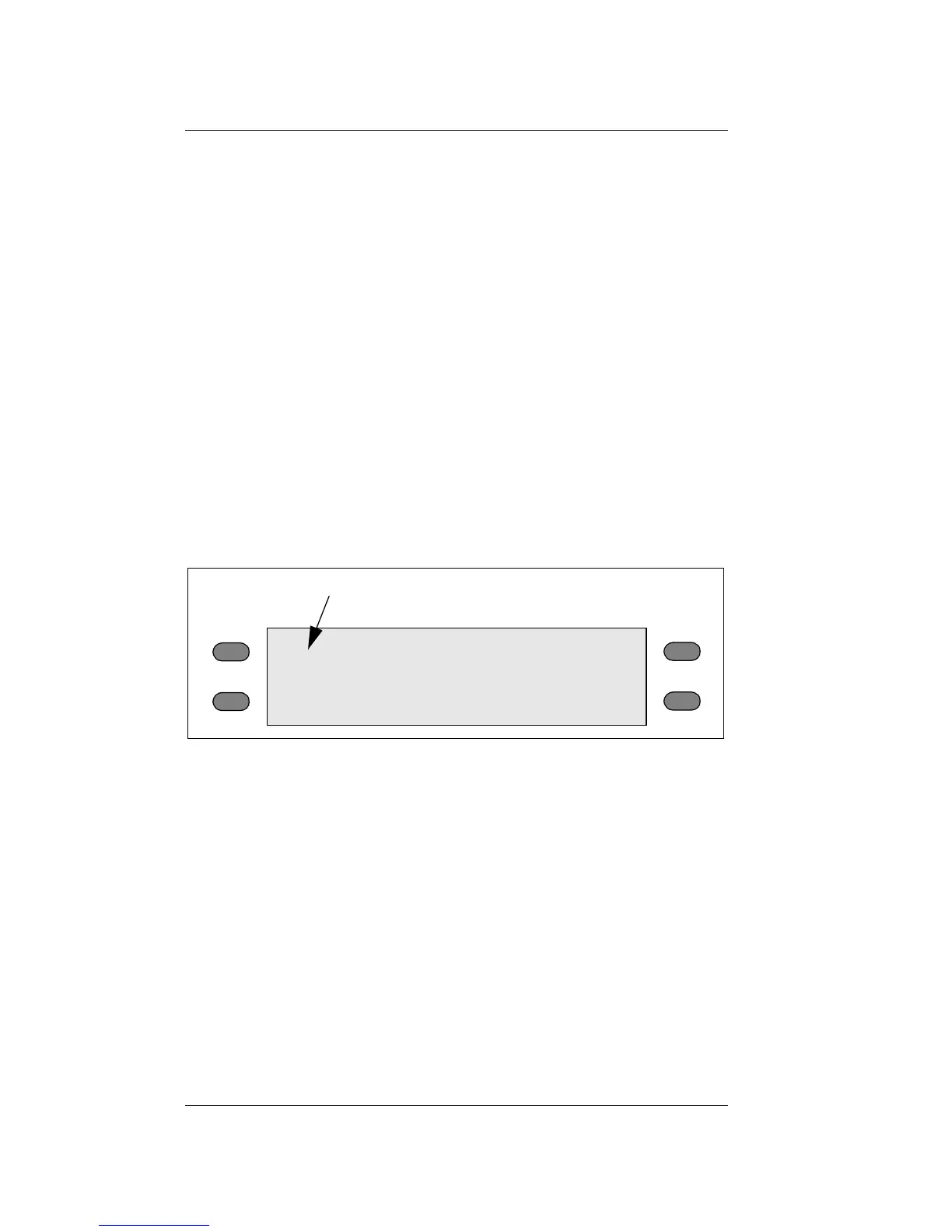
To toggle between the normal and continuous
modes, press the top left button. The display will
show a small “c” to the left of the water potential
readings:
main menu with continuous mode enabled
If you press the upper left button again, the “c” will
disappear and you will be back in normal sampling
mode.
System configuration
If you press the bottom left button while in the
main menu, it will bring you to the system configu-
c
“c” for continuous mode
0.0°C
0.00 MPa
pF 0.00



 To Next Page