WP
4
PotentiaMeter
Menus
19
ration menu. This menu allows you to make minor
system changes. You can change how the beeper
signals after each sample and enter the calibration
menu as well.
System configuration menu
Changing the beeper
When you are sampling, the WP4 has two ways of
notifying you that the water potential reading is
completed for your sample: the beeper and a flash-
ing green LED, located on the left front corner of
the WP4’s case. In normal sampling mode, the LED
will flash once when a sample is started. When it is
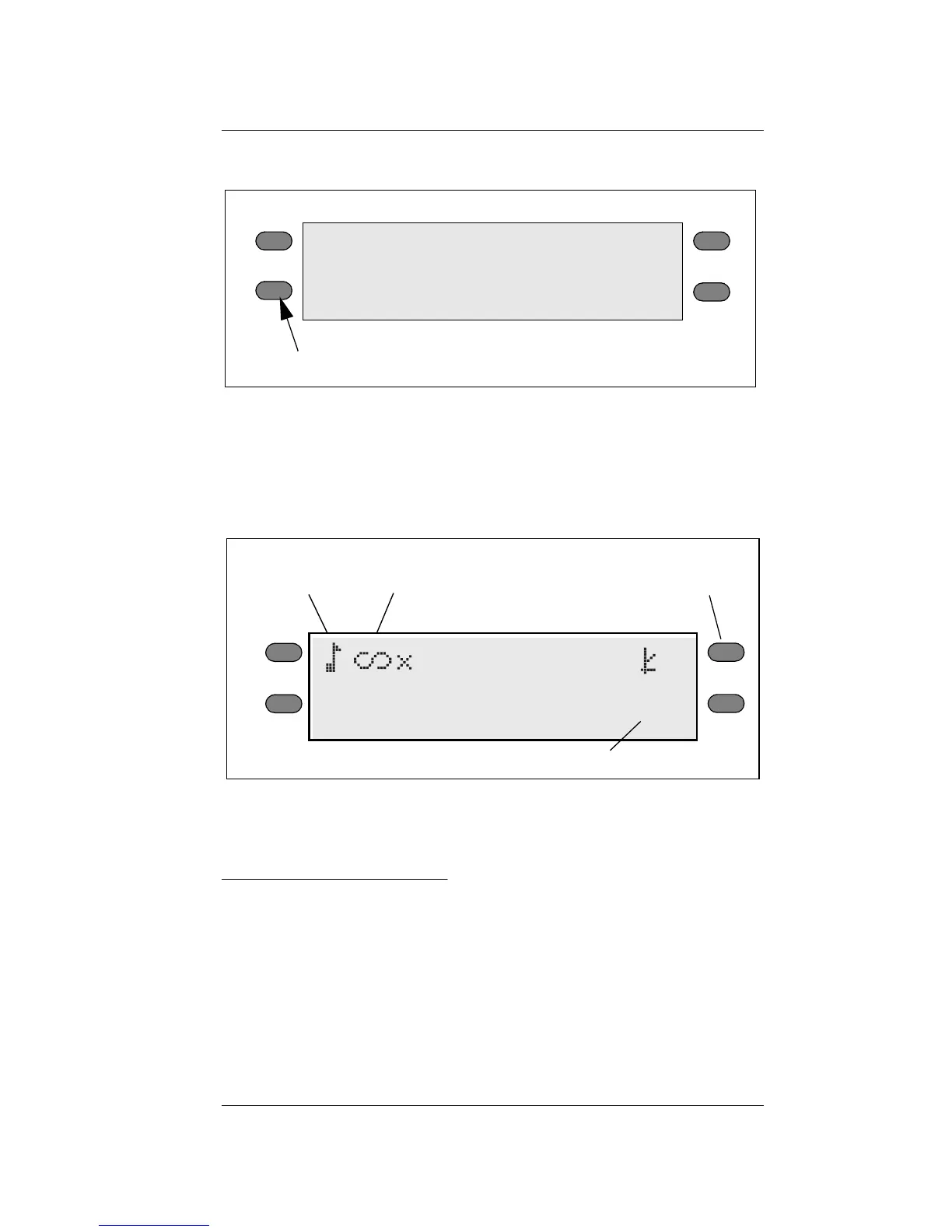
system configuration menu button
0.0°C
0.00 MPa
pF 0.00
-Exit-
+
-
set T
Beeper
Beeper
Mode indicator
Calibration
menu
Icon
(continuous shown)
temp. set (WP4-T model only)



 To Next Page