WP
4
PotentiaMeter
Menus
15
4. The Menus
The Main Menu
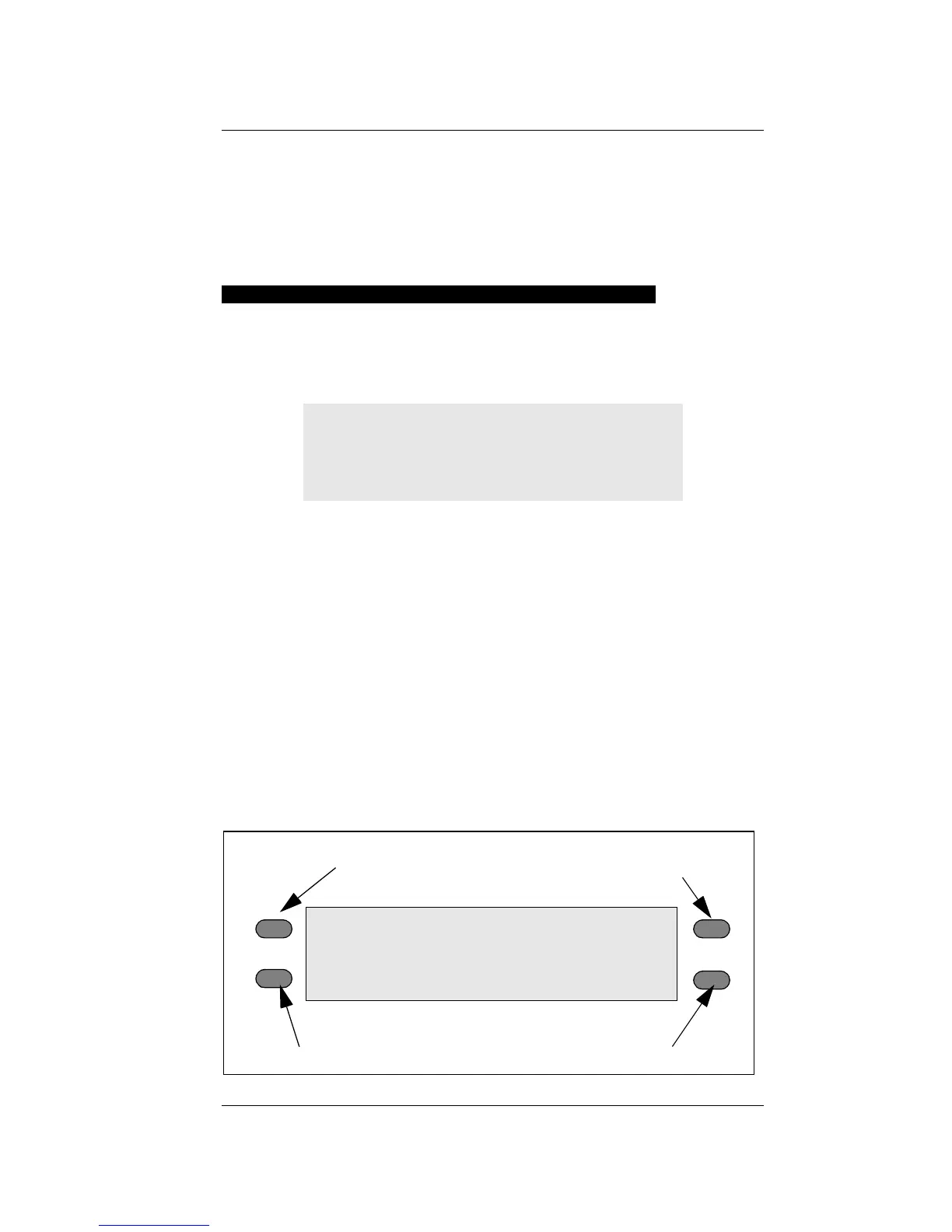
Every time you turn on your WP4, it will come to
this screen. If this screen doesn’t appear, refer to
Chapter 12 for troubleshooting instructions. As men-
tioned earlier, the water potential and sample tem-
perature are displayed on the screen. On each side
of the LCD there are buttons. Each button performs
a different function depending on which mode you
want. Following is a description of the modes and
options you may use, and the buttons used to set
them.
0.0°C
0.00 MPa
pF 0.00
sample equilibration screen system setup
continuous/normal
language
selection
mode
0.0°C
0.00 MPa
pF 0.00



 To Next Page