WP
4
PotentiaMeter
Getting Started
12
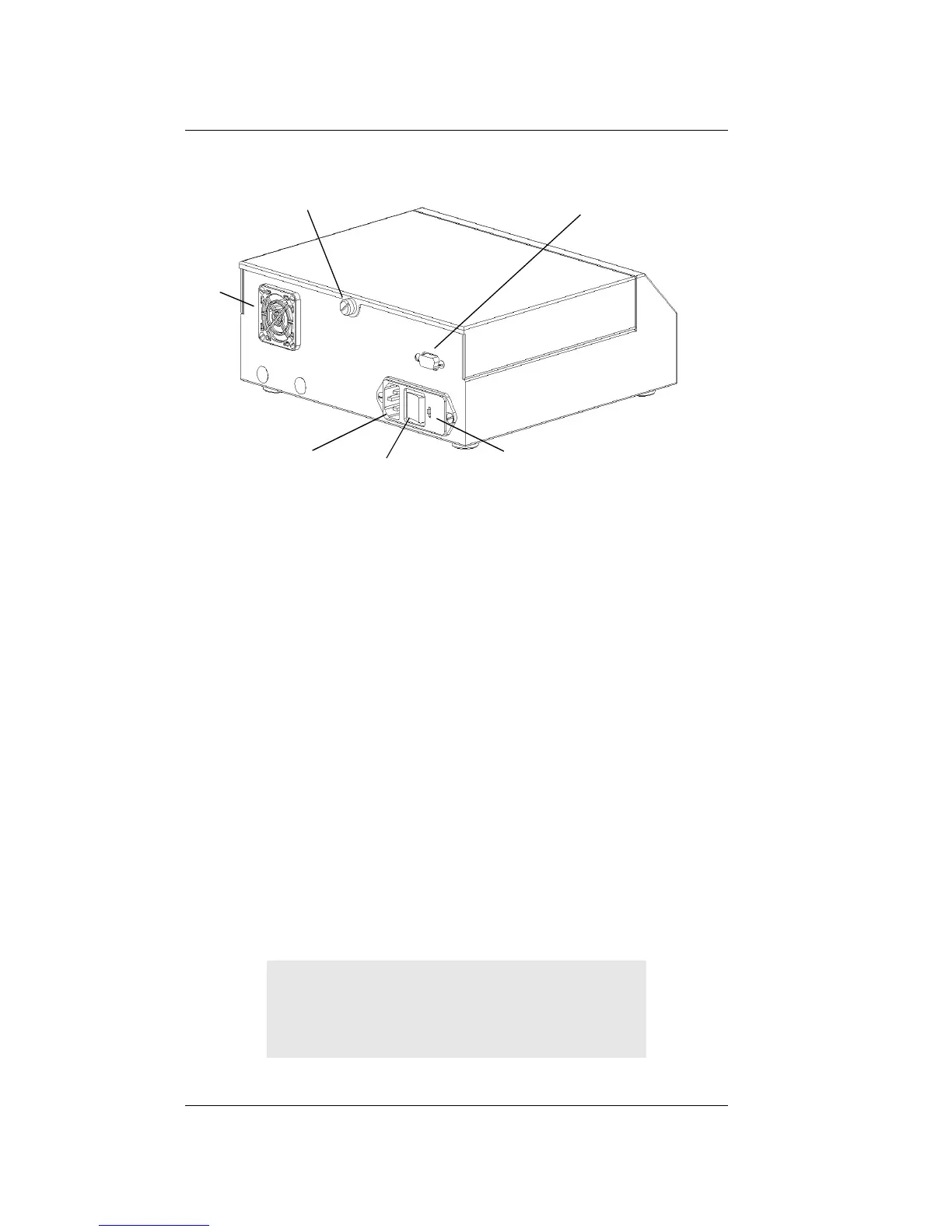
Back view of WP4
Preparing the WP4 for Operation
After finding a good location for your WP4, plug the
power cord to the back of the unit. Before turning it
on, pull open the sample drawer (turn the knob to
the “OPEN/LOAD” position). An empty disposable
sample cup is usually placed upside-down in the
drawer to protect it during shipment. Remove this
sample cup and turn the instrument on. The ON/
OFF switch is located on the lower right corner of
the WP4’s back panel. The following screens will
appear on the LCD:
RS-232 interface
fuse well
ON/OFF Switch
Power cord
Plug
Fan
Lid thumb-screw
Model WP4
PotentiaMeter
v3.0



 To Next Page