SI-3
™
User’s Manual
14
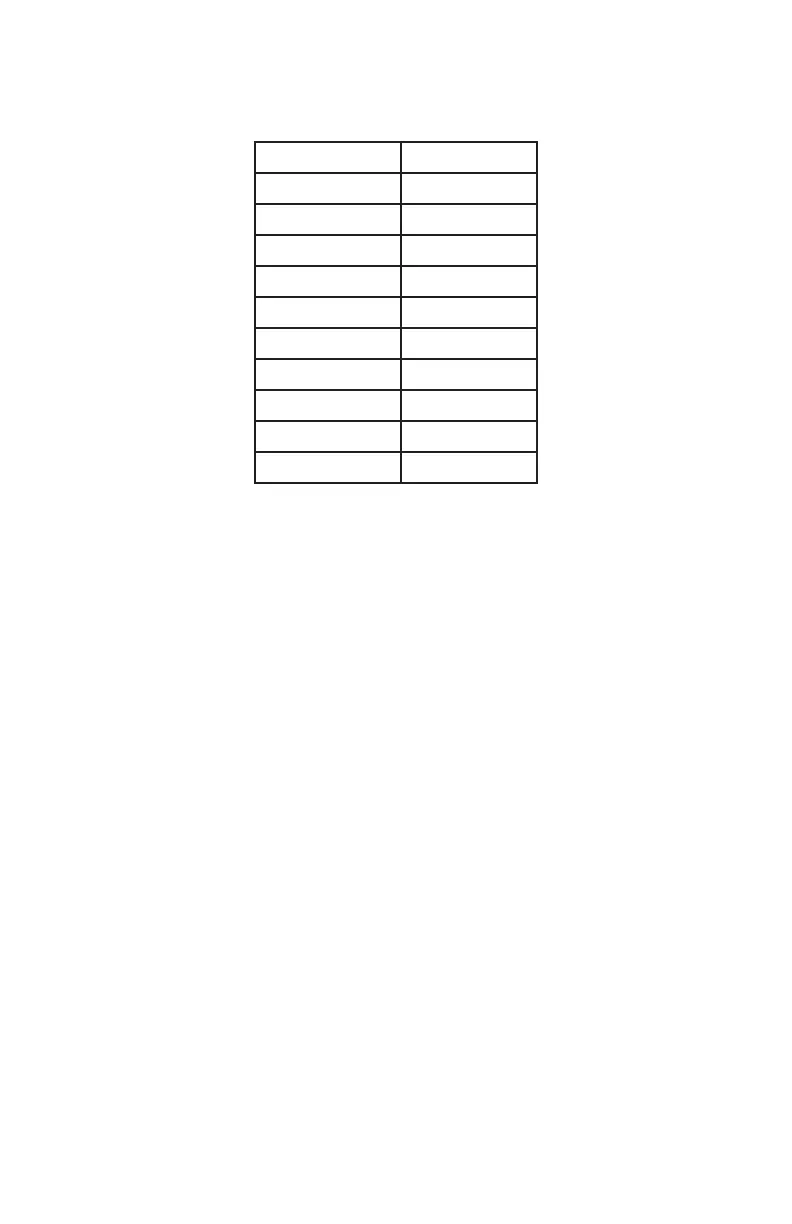
Typical ranges for an on-coming mid-sized sedan are:
Setting Range (feet)
1 350
2 575
3 800
4 950
5 1300
6 1700
7 1875
8 2400
9 2800
10 >3000
The distances will vary based on location, body of the car and
alignment of the antenna. It is normal for the range to vary by 10%
on identical cars.
4.13 Serial Protocol
Refer to the product manual for more information on which protocol
to use. <D> is a direction character that is “+” for vehicles coming
towards the sign, “-“ for vehicles moving away, and “?” when the
direction cannot be determined. [S] represents the displayed speed.
If a period is within the square brackets it is the decimal point. Any
zeros are sent as described and do not change with a vehicle’s speed.
The <cr> signies the end of the outgoing message. The default
setting is <D>[SSS.]<cr>. Other protocols listed are used by Decatur
for testing purposes. Zero Suppress
When this value is selected the SI-3™ will not send any information
over the RS232 port unless a vehicle is detected.



 To Next Page