SI-3
™
User’s Manual
6
2. Receiving Inspection
• When you receive your SI-3™, inspect it for any freight damage
that might have happened during shipping or unloading. Take
pictures to document any damage.
• Notify the freight company immediately of any damage,
preferably while the driver is present. Record the damage on the
bill of lading and keep a record of the problems or damage.
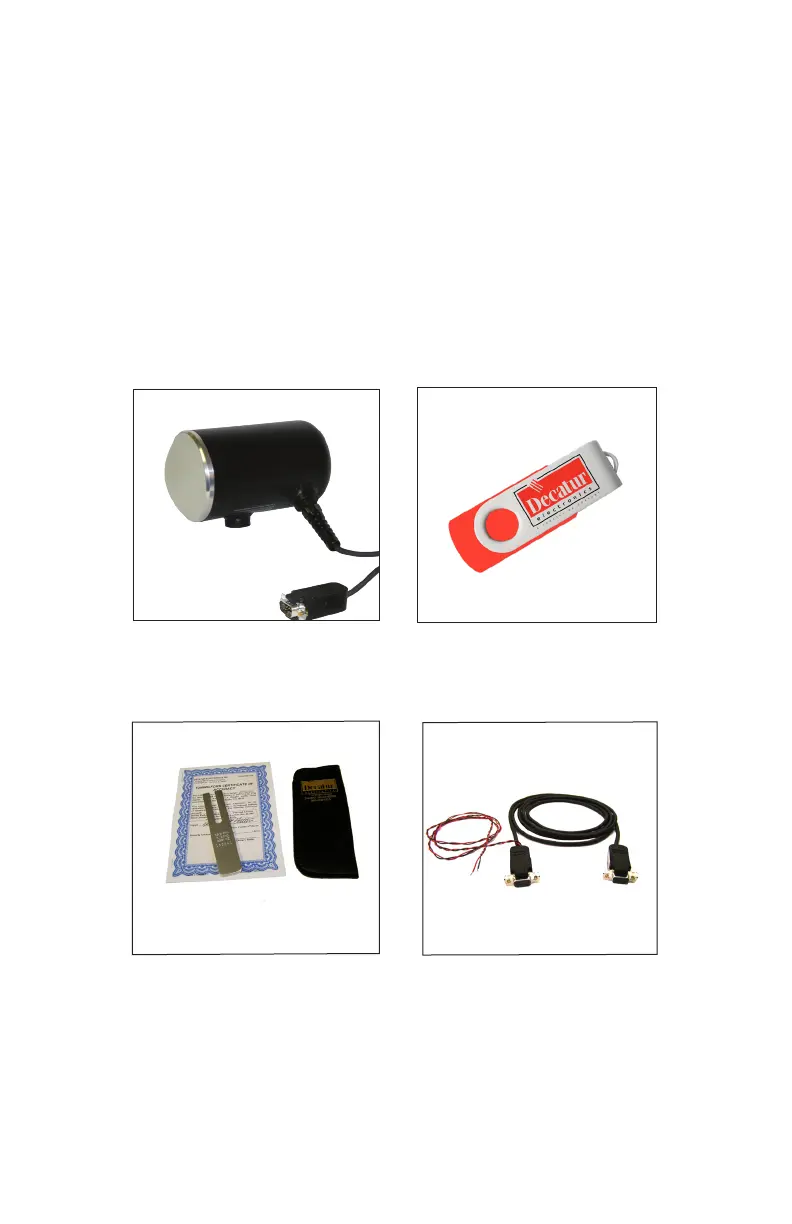
• The package should include the following pictured items along
with this User’s Manual.
SI-3™
S785-1-0
Programming USB Drive
S900-34
Tuning Fork
S769-127-0
Optional - Programming cable



 To Next Page