If you have inserted a new DECKMA
memory card, you have to activate
the memory card as follows.
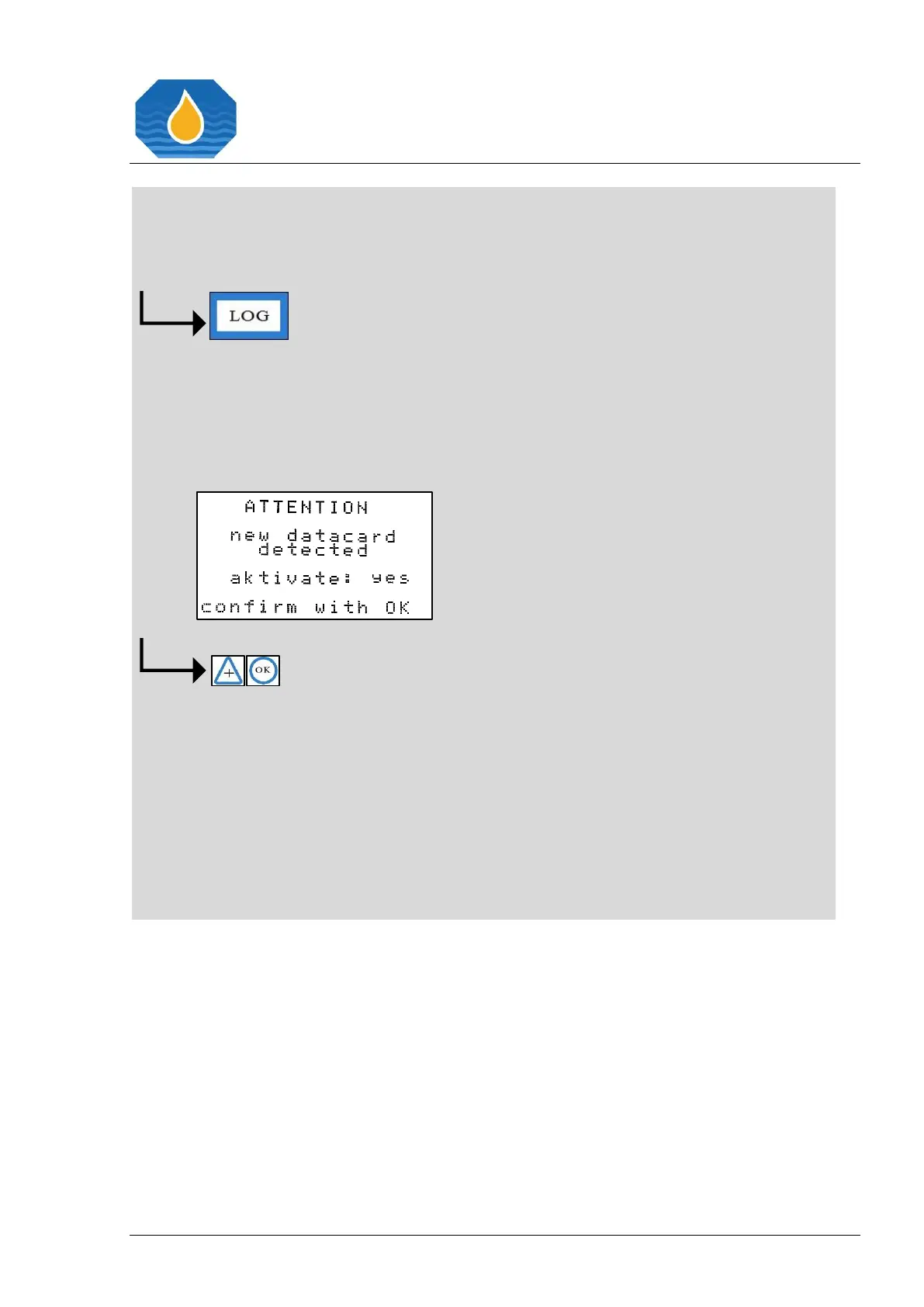
After pressing the “LOG” button
twice, the display will appear with
the information, if you want to
activate the new DECKMA memory
card.
Please select “yes” for activating the
new DECKMA memory card by
pressing the “+” button and confirm
with “OK”. The data will be recorded
now.
Changed values have to be confirmed by pressing the “OK” button. Otherwise the
existing values remain valid.



 To Next Page