Page 112 Dedicated Micros
7. Exit the utility.
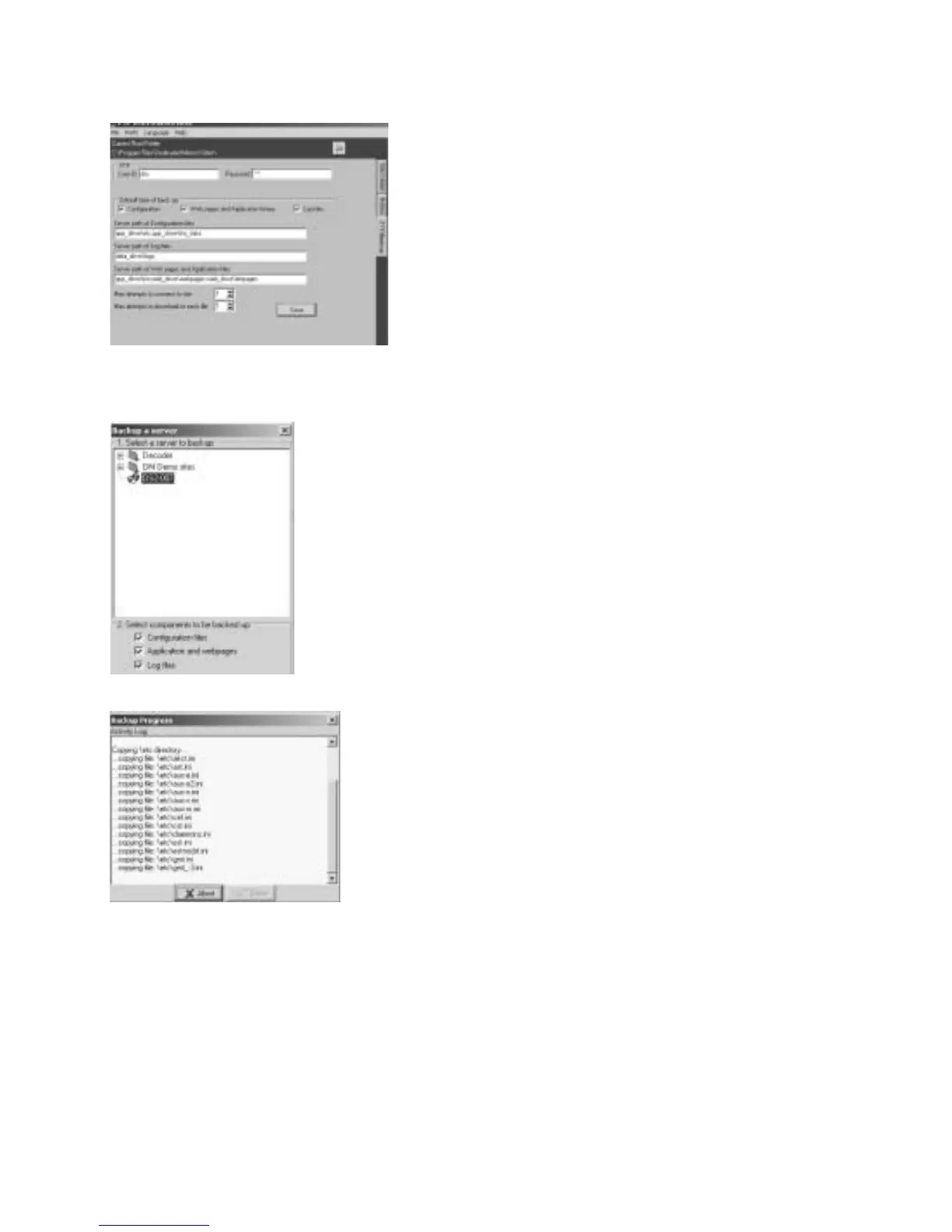
8. Select the Backup program, the folder that has been created will be displayed. Highlight the
folder. Disable the Application and webpages option.
9. Select OK, the files from the Digital Sprite 2 will be downloaded to the local drive of your PC.
10. When the files are downloaded select Done.
11. Using a text editing package such as Notepad open the relevant file for editing. The files
are located in C:\Program Files\DV-IP\Backups, a folder would have been automatically
generated for the downloaded files, this will be made up of :
<Unit name>_<day/month/year>_<hour/minute/seconds>



 To Next Page