Dedicated Micros Page 113
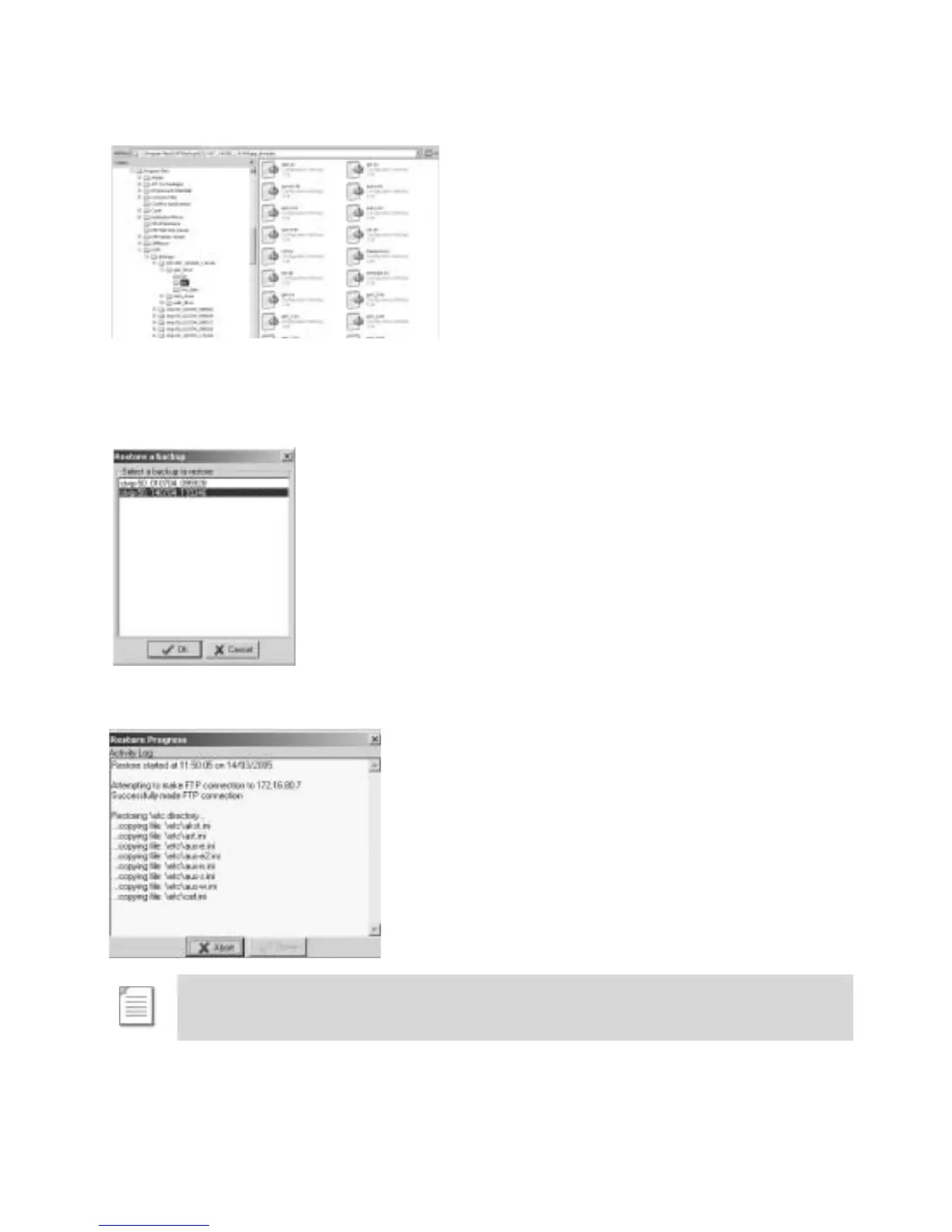
The files are within the app_drive\etc folder within this folder.
12. Edit the file as described in the Configuration section of this manual and Save the changes.
These files must now be uploaded back onto the Digital Sprite 2.
13. Select Restore, the folder that was created earlier in this process will be displayed,
highlight and select OK.
14. The files will be automatically uploaded to the Digital Sprite 2, when the process has
finished select Done.
Note: If only a small number of the files have been edited it is possible to delete all
the other files in the directory and upload the changes files only. This will speed up
the process.



 To Next Page