Page 114 Dedicated Micros
You now need to reset the unit,
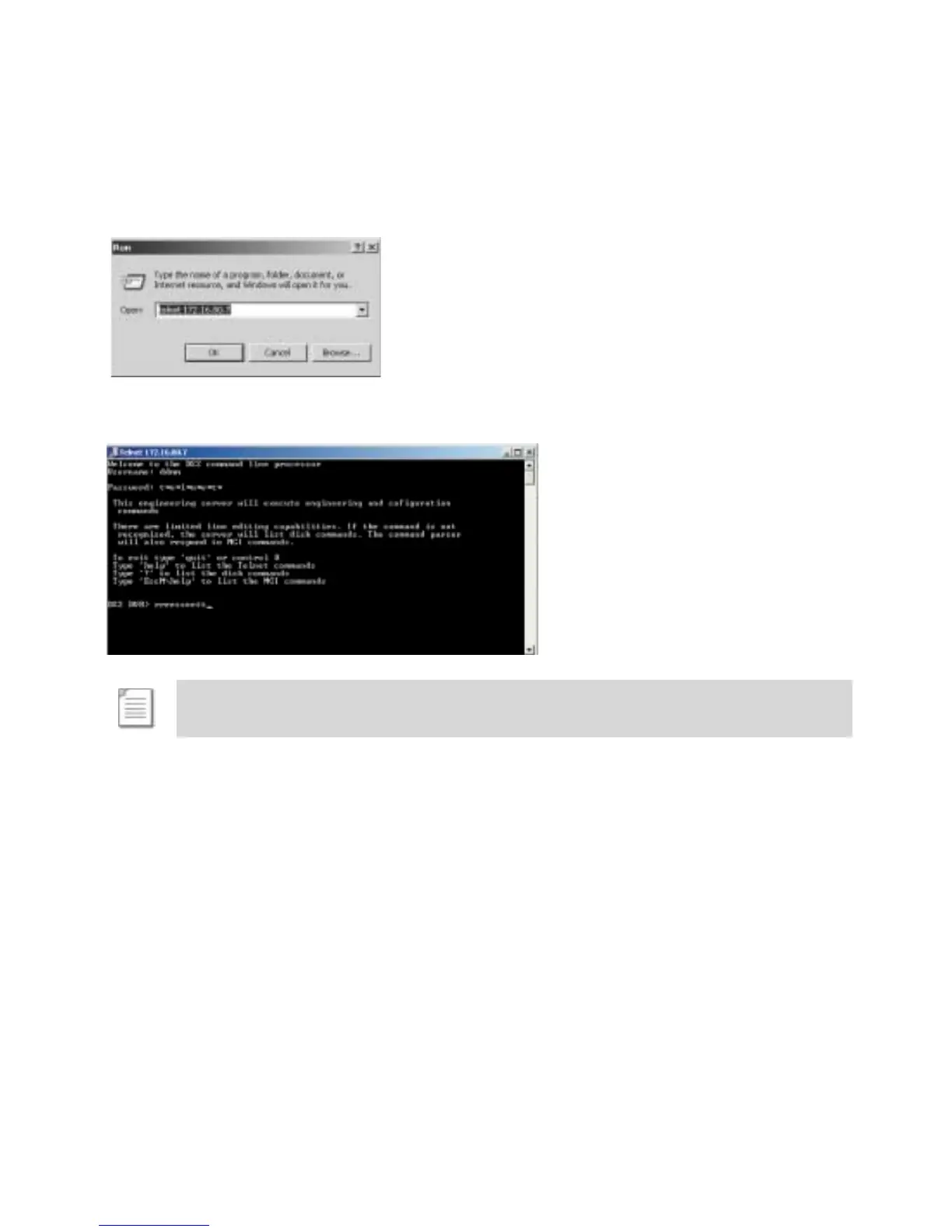
15. Select Start -> Run on your PC.
16. Type <telnet IP Address> (where the IP address is the IP address of the unit you are
configuring).
17. Enter the username and password (default dm=telnet) to open a telnet session with the
unit, and type <reset> to reset the unit and initialise the edited files.
Note: Echo is enabled on the Digital Sprite 2.



 To Next Page