SF600/SF600
Plus
Serial Flash Programming solution
www.dediprog.com 13
IV. SF600 and SF600Plus software
4.1 USB mode
In USB mode, user can control the programmer operations via a friendly interface. He can
load a file, blank check, program and verify the target Serial Flash. Batch button provides
an easy way to perform more than one operation in one click.
User can also edit the buffer, files and SPI Flash content and compare.
DediProg provides three different users interface to fit better our customers’ needs. For
more information on the SF600 and SF600Plus software, please refer to the user manual.
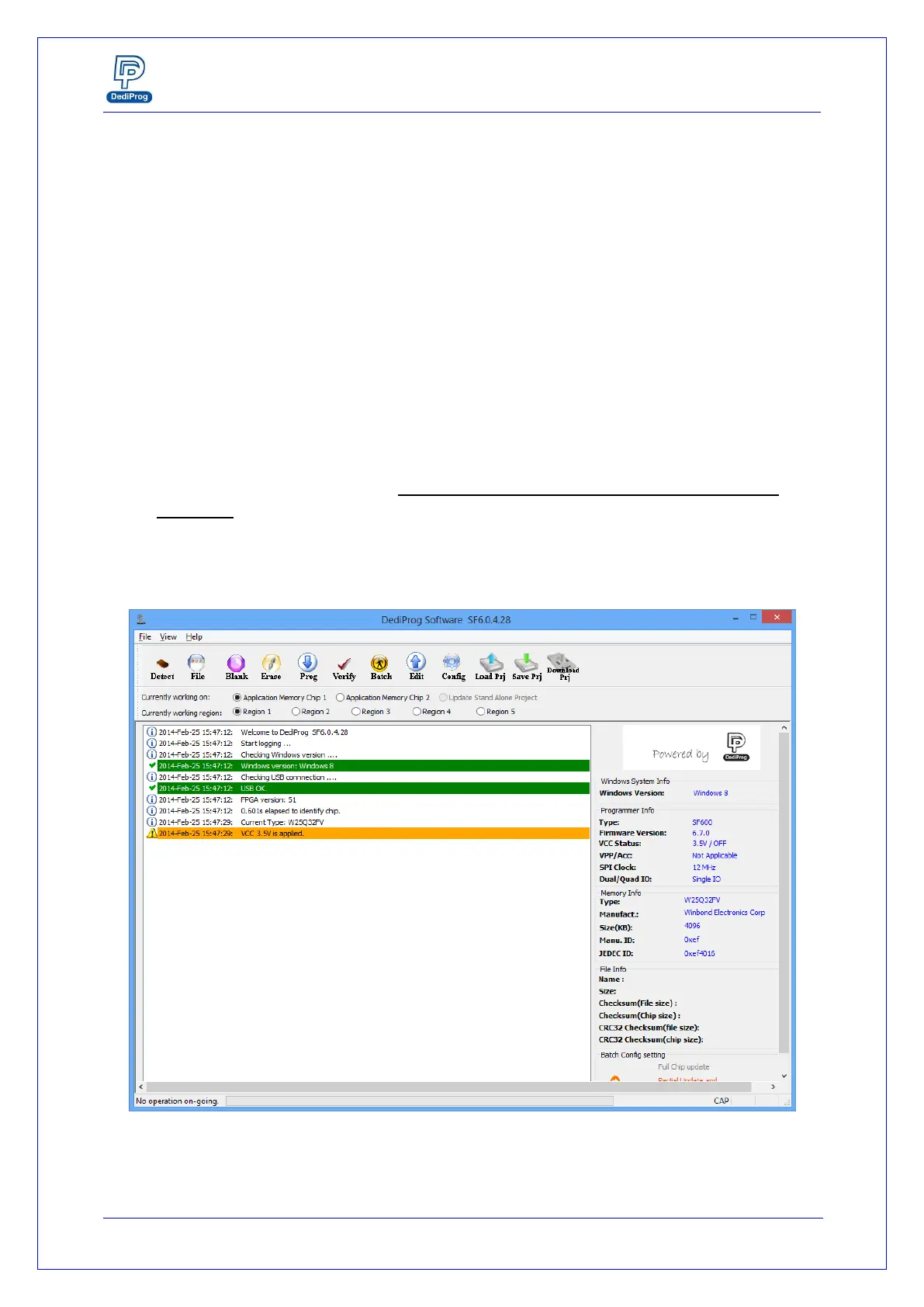
4.1.1 Engineering User Interface
The engineering user interface has been designed to offer the expert features for
engineers during development. Please note the “Download Prj” button is only for
SF600Plus. The details for the download project feature are descripted in DediProg
user manual.
Fig 6: SF600 Engineering GUI


 To Next Page