Delem
V0614, 2.11
Figure 1.i
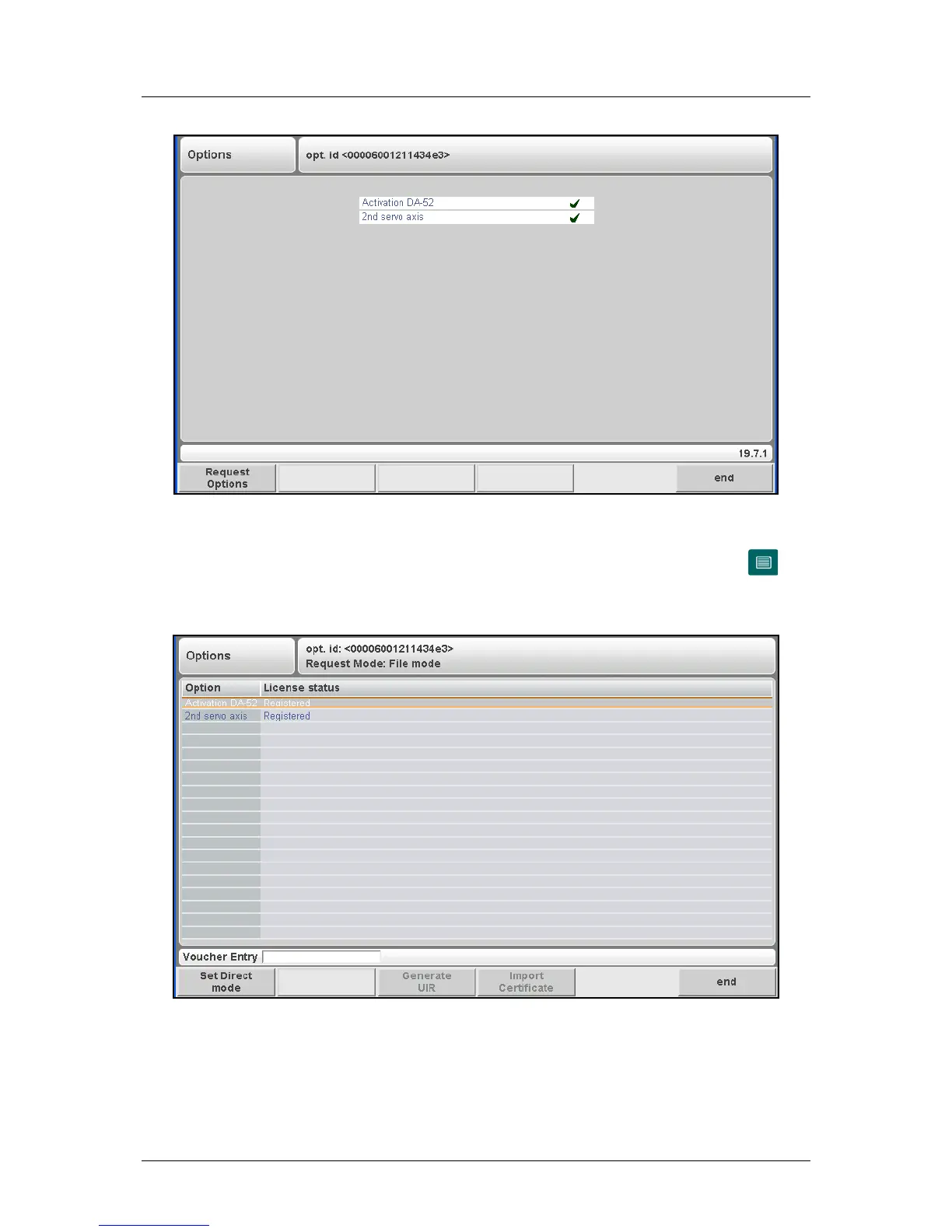
This window shows which options are available. To activate an option, press the key
(Request options) to start option installation.
When pressed, the screen looks as follows:
Figure 1.j
At the top of the screen, the serial number of the control is displayed.
On the left side of the screen, a list of possible options is displayed for the control. If an
option is already enabled, the word ‘registered’ is displayed in the second column.



 To Next Page