Delem
V0614, 2.19
2.3. Important files
A lot of control settings are stored in files, which are located on the hard disk of the control.
This is the case for the Delem application as well as for the Windows platform. Whenever the
control is (re)started, the software will search for these files and retrieve the last saved
settings.
If for any reason the settings are mixed up, it is possible to delete these files. At the next
start-up, the control will assume its default settings. This should only be done as a last
remedy, if the control does not function properly anymore.
If the settings are correct and you do not wish unauthorised people to change them, it is
possible to set these files as read-only files. This way settings cannot be changed. To set the
file to read-only, proceed as follows:
• open the Windows Explorer
• browse to the correct location (directory) to find the file
• click on the desired file
• open the File menu and select ‘properties’
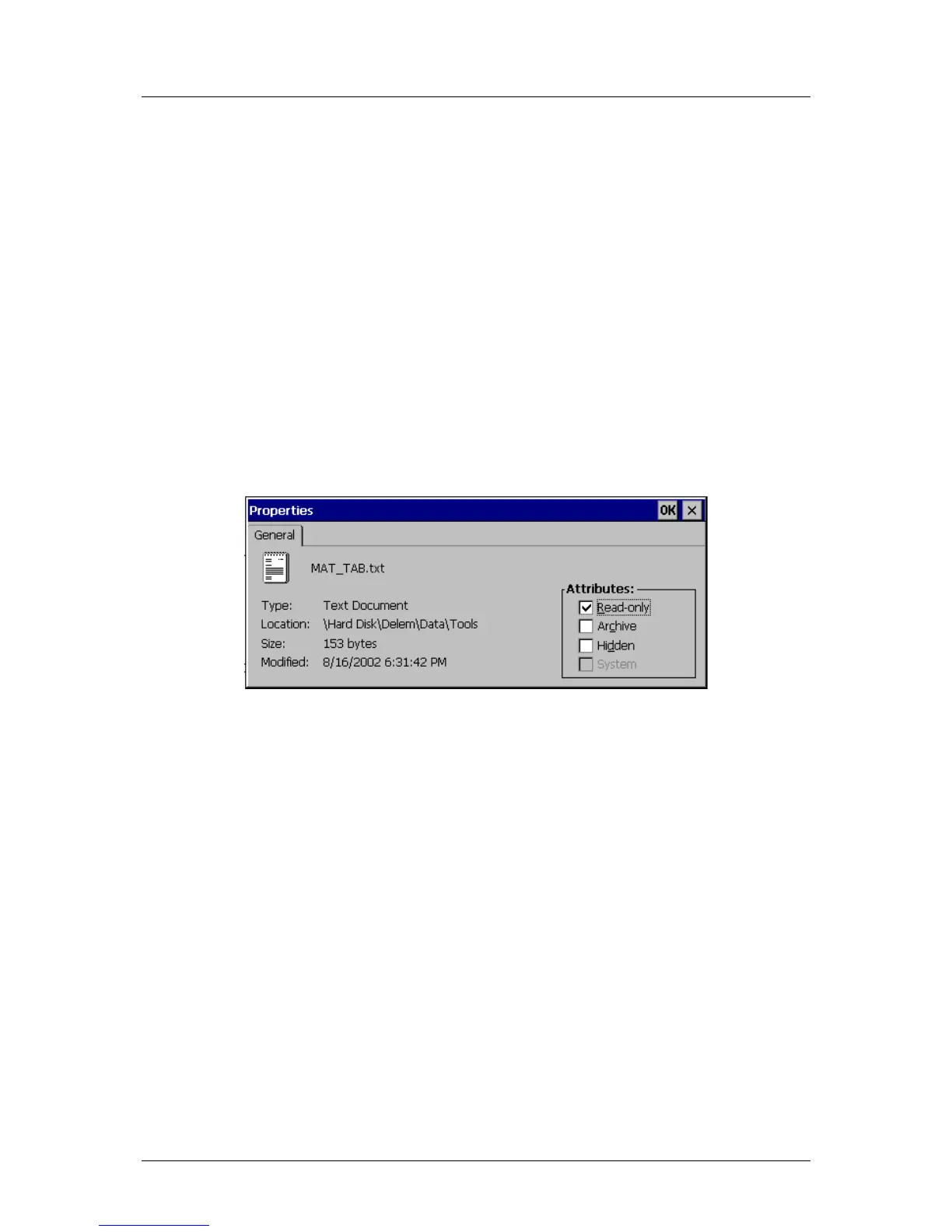
A window like the one shown below should appear:
Figure 2.c
In the ‘attributes’ section of the window, mark the setting ‘Read-only’ and click on ‘OK’ to
save the setting. The file cannot be altered anymore.
In the example above, the properties of the material table are shown. Materials are
programmed in the menu ‘program constants’ of the control. If material properties are
changed or materials are added or deleted, the information is written to this file. If the file is
set to read-only, any attempt by an operator to change material properties or to add or delete
materials will be ignored.



 To Next Page