Delem
V0614, 3.3
2. Test-menu
2.1. Start diagnostic mode
To open the diagnostic program:
• press the key
to go to the program constants
• on the first parameter, enter the access code 741
2.2. The menu
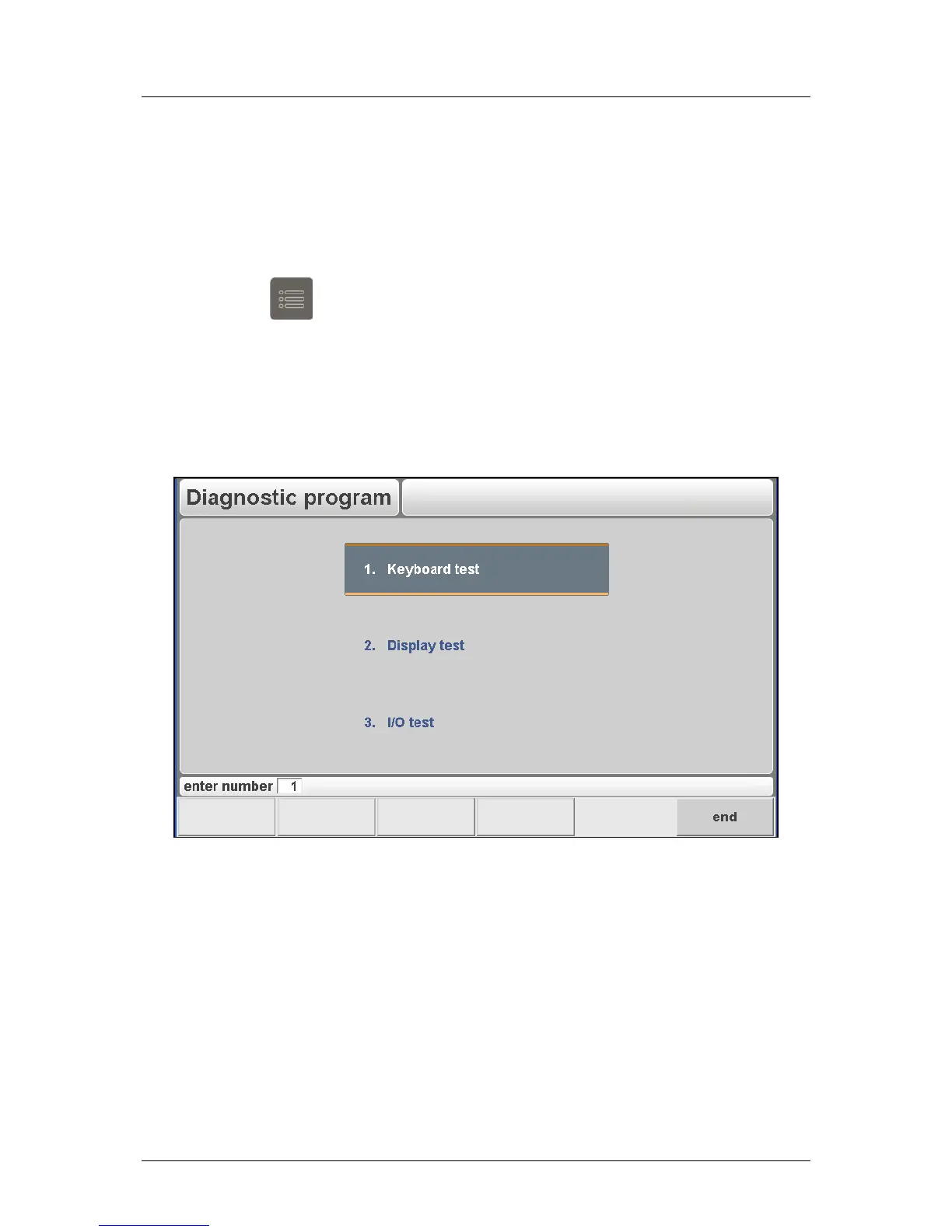
When the diagnostic program has been started the screen shows the menu as indicated in
figure 2.a (example of diagnostic main menu).
Figure 2.a
Diagnostic Options:
To end the diagnostic program the power supply to the control can be switched off and then
on again to enter the normal operation menu.
It is also possible to leave the diagnostic program with the ‘END’-key. The Delem application
will restart.



 To Next Page