Delem
V0614, 2.29
2.6. Sequencer adjustment
The sequencer is the built-in PLC function of the Delem system. The text file with sequencer
code is stored on the hard disk of the control, in the file seq_inp.txt. This file can be edited
with the application Notepad that is built-in on the control. An alternative could be to copy the
file to a USB disk and edit the file from a PC. After that, the file can be copied back to the
control.
The procedure to open and modify the sequencer runs as follows:
• go to the Windows environment;
• activate the Windows Explorer;
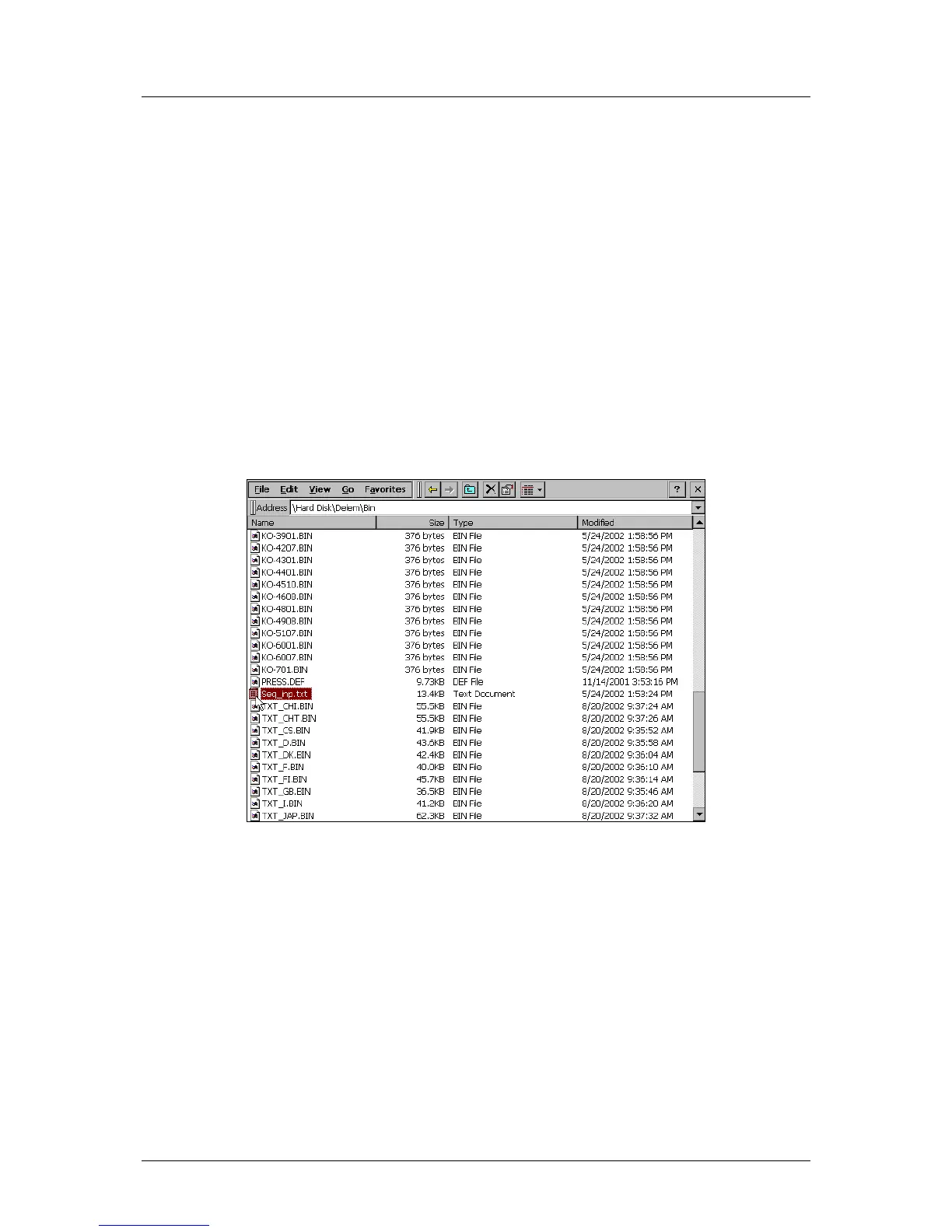
• go to the subdirectory \Hard Disk\Delem\Bin: a large list of files is shown;
• search the file ‘seq_inp.txt’;
• replace this file with your own sequencer program or modify this file. It is recommended
to keep a backup of the standard file, in case of programming errors;
• when sequencer modifications are completed, save the text file and close it.
Figure 2.j
• Go to the start menu and choose ‘Reboot’. The control will restart.



 To Next Page