Delem
V0614, 2.31
2.7. Analysis program
The control is equipped with a program for analysis of a pressbrake cycle. This analysis
program can run parallel to the DA application.
The working principle is as follows. During one bend cycle, the program records the values of
a number of analog and digital I/O signals. All this data is immediately stored in a file on the
control disk and can be represented graphically.
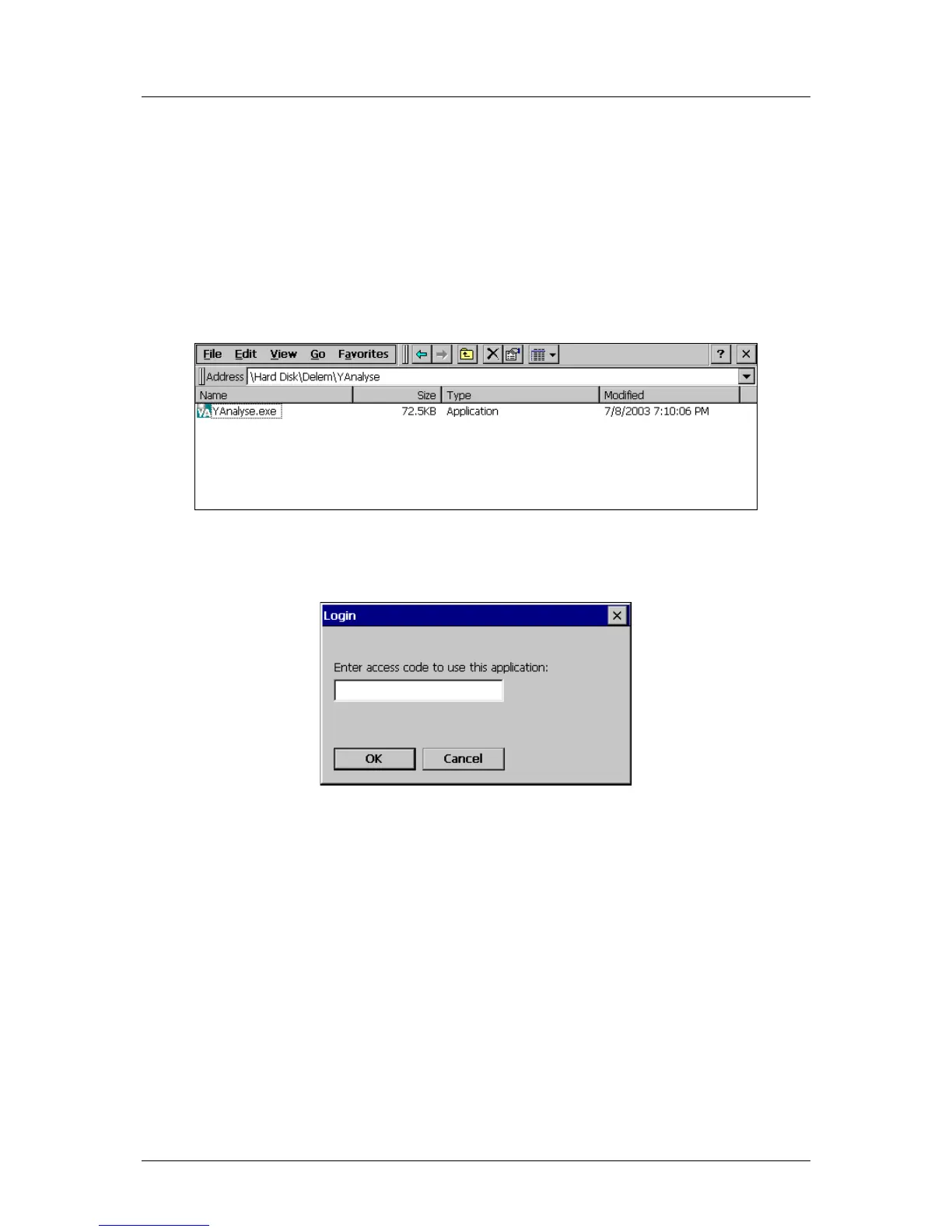
The program is called YAnalyse.exe and is located in the directory:
\Hard Disk\Delem\YAnalyse.
Figure 2.l
Upon start-up, the program will first prompt for an access code:
Figure 2.m
Here you must enter a ‘level 2’ code, which is also used to modify all Delem machine
parameters in the DA application. The default access code here is 32157.
With the ‘new’ command, a new file is created. Type a name you wish to give to the file. At
the beginning this file is empty, it will be filled with cycle information as soon as a cycle is
recorded by the analysis program.
Each cycle is stored in a separate file. To this end, the name of each file consists of the name
you entered, followed by a number. Every time a cycle is recorded, the number in the
filename is incremented by 1. So it is possible to record all bends of a product, each bend is
stored in a file. Each bend can be analysed afterwards. With the buttons ‘previous’ and ‘next’
it is possible to browse through the collection of bends.



 To Next Page