Delem
V0614, 2.32
To record a bend cycle, use the ‘start measure’ command. The program will show the
following dialog:
Figure 2.n
This means the analysis tool is now waiting for a bend cycle to be executed. Now switch to
the DA application and execute a bend cycle in the normal way. The analysis program
actually starts recording when a fast closing or a pressing command is activated. The
program will continue to record until an UDP (upper dead point) signal is generated,
indicating that the bend cycle is finished.
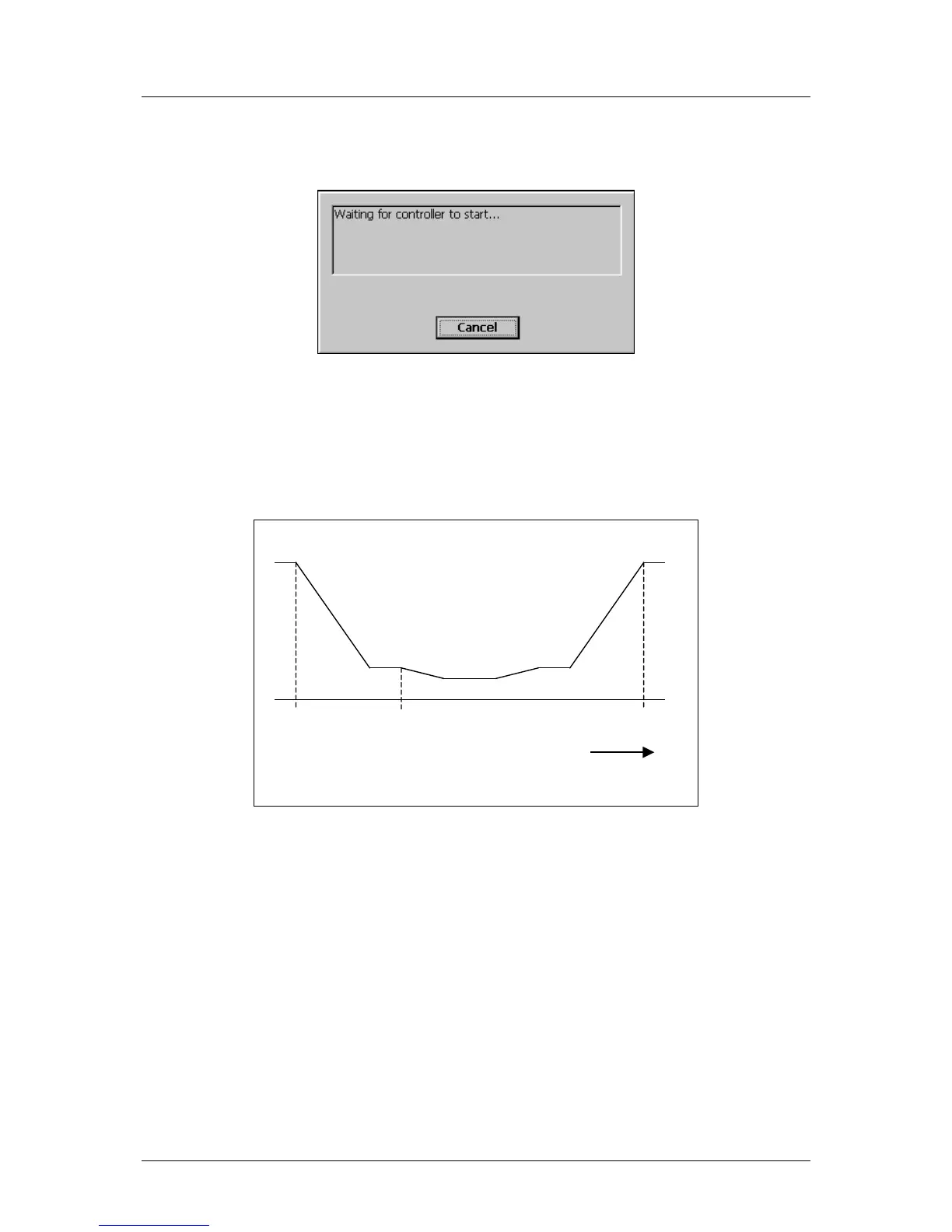
Figure 2.o
When the bend cycle is finished, switch back to the analysis program. On the screen you can
see a graphic of the beam position as a function of the cycle time.
As already explained, each recorded cycle is stored in a file. So it is also possible to open a
previously recorded file for further analysis.



 To Next Page