Delem
V0614, 2.24
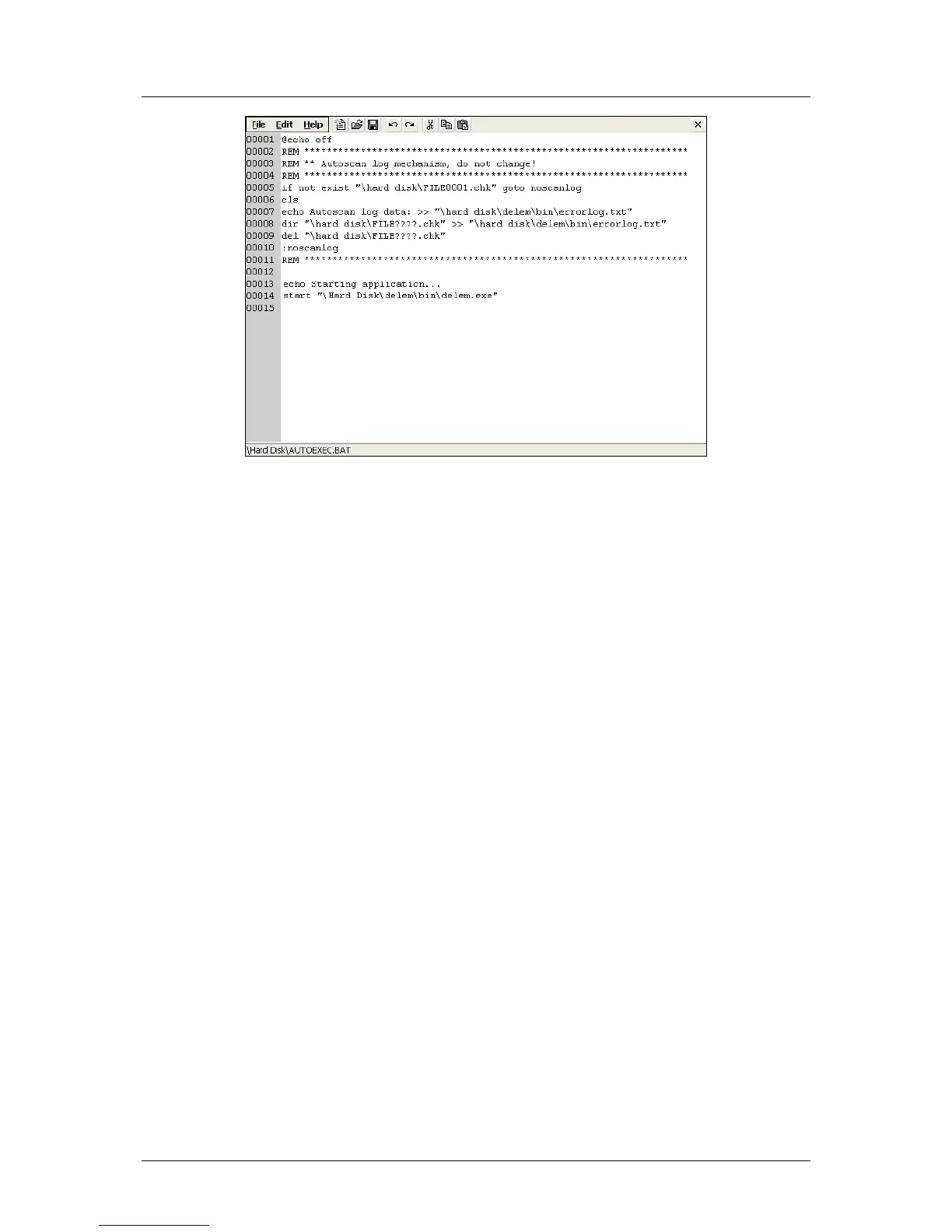
Figure 2.f
The file can now be edited. When finished, click on ‘Save’ to save the changes and close the
file. If you wish to abort the operation, click on ‘cancel’. The file will be closed and the
changes will be lost.
Lines in the file that start with ‘REM’ are considered as comment.
In the beginning of the file, the ‘if’ instruction checks if the Delem application has a KO-table
to work with. If such a KO-table is present, the subsequent instruction is skipped.
At the end of the file, the Delem application is started through the instruction:
start “\Hard disk\delem\bin\delem.exe”
This will ensure that the control automatically activates the Delem application at start-up of
the control.



 To Next Page