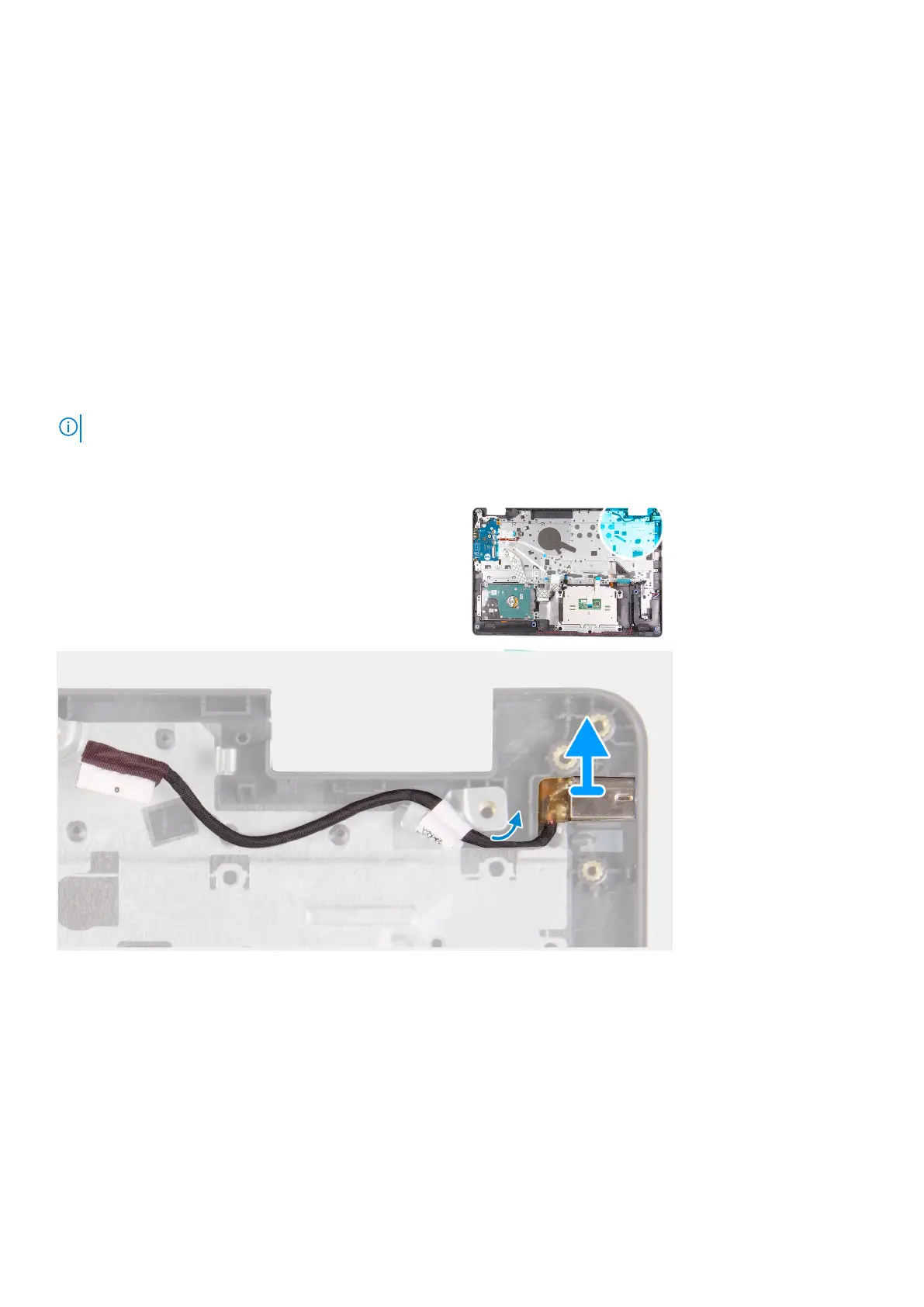
Power-adapter port
Removing the power adapter port
Prerequisites
1. Follow the procedure in before working inside your computer.
2. Remove the SD card.
3. Remove the base cover.
4. Disconnect the battery cable.
5. Remove the WLAN.
6. Remove the SSD.
7. Remove the system fan.
8. Remove the display assembly.
9. Remove the system board
NOTE: The system board can be removed along with the heat sink.
About this task
Steps
1. Disconnect and un-route the power adapter port module from the system board.
2. Remove the power adapter port module from the system.
Installing the power adapter port
Prerequisites
If you are replacing a component, remove the existing component before performing the installation procedure.
Disassembly and reassembly
77











 To Next Page