Troubleshooting 37
3
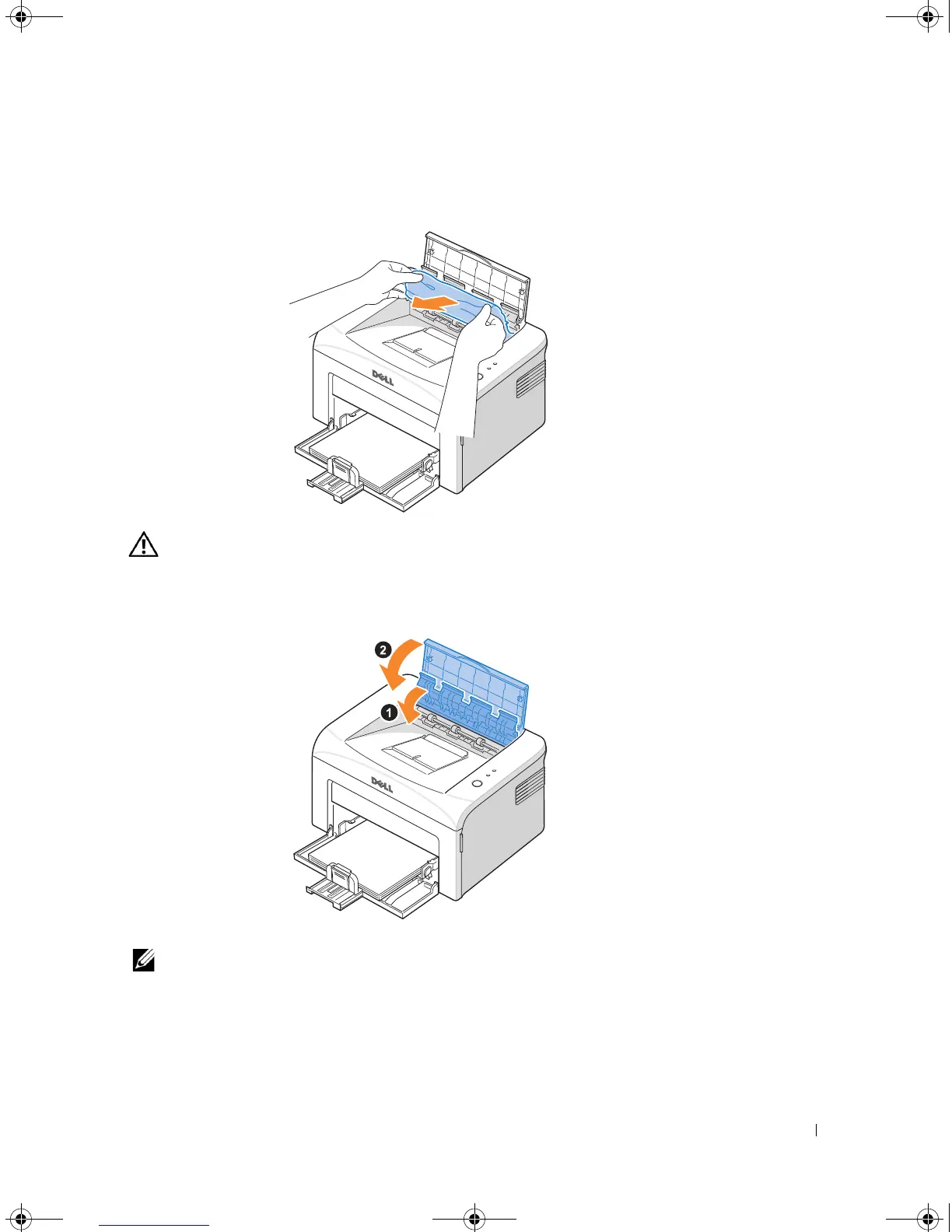
Loosen the paper if it is caught in the heat roller. Then remove the paper by gently
pulling it out.
CAUTION: When removing jammed paper, be careful not to touch the heat roller
(located underneath the inner cover). It is hot and could cause burns!
4
Close the inner cover and the top cover. Printing resumes automatically.
NOTE: Failed pages will not reprint. Reprint the failed pages.
1100-OM_EN.book Page 37 Friday, May 20, 2005 3:14 PM











 To Next Page