Loading Print Media 19
Loading Paper in the Paper Tray
Load up to 150 sheets of plain paper in the paper tray.
1
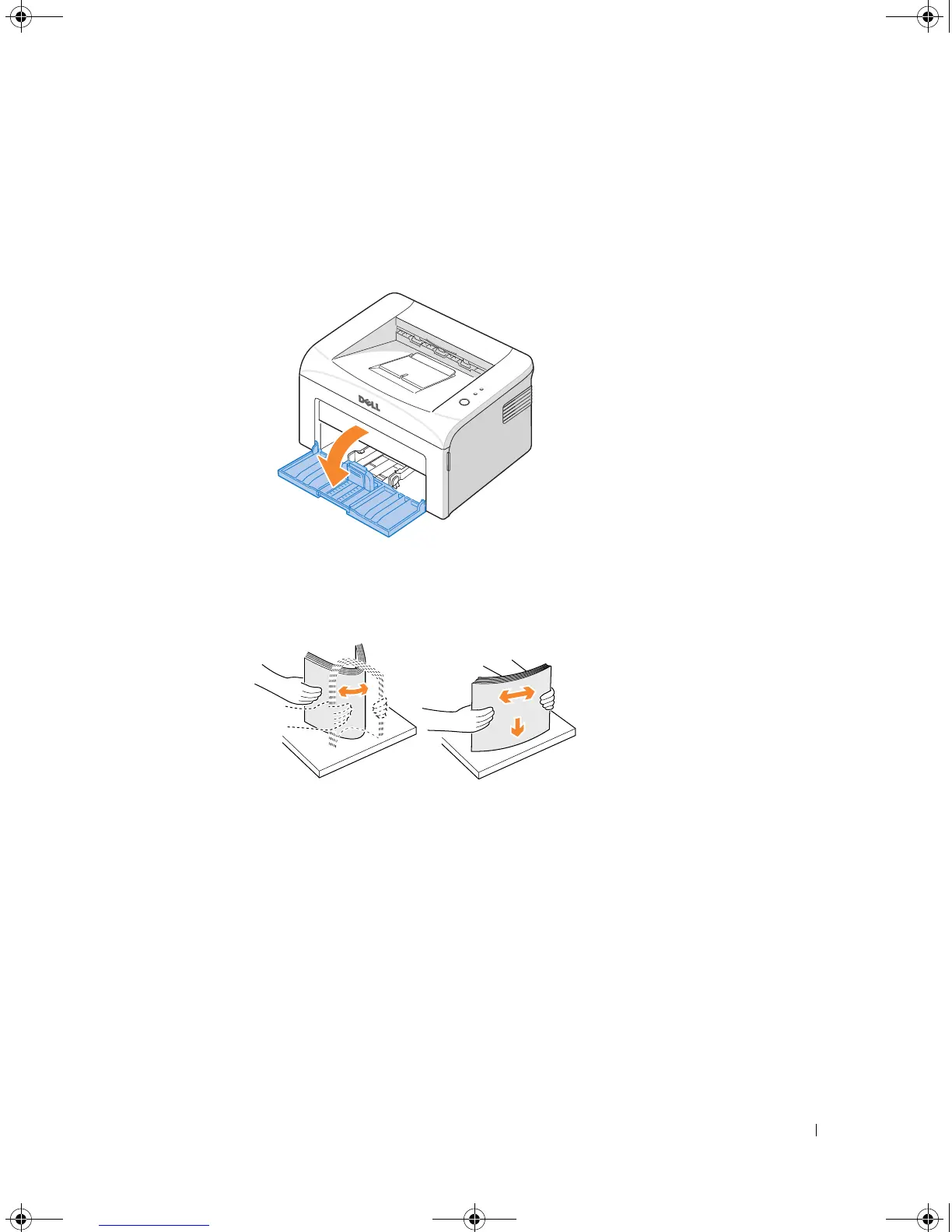
Open the paper input tray. Pull on the length and width guides to extend the tray.
2
Flex the sheets back and forth to loosen them, and then fan them out. Do not fold or
crease the print media. Align the edges on a level surface.
1100-OM_EN.book Page 19 Friday, May 20, 2005 3:14 PM











 To Next Page