38 Troubleshooting
www.dell.com | support.dell.com
Fuser Area Jam
NOTICE: The fuser area is hot. Take care when removing paper from the printer.
1
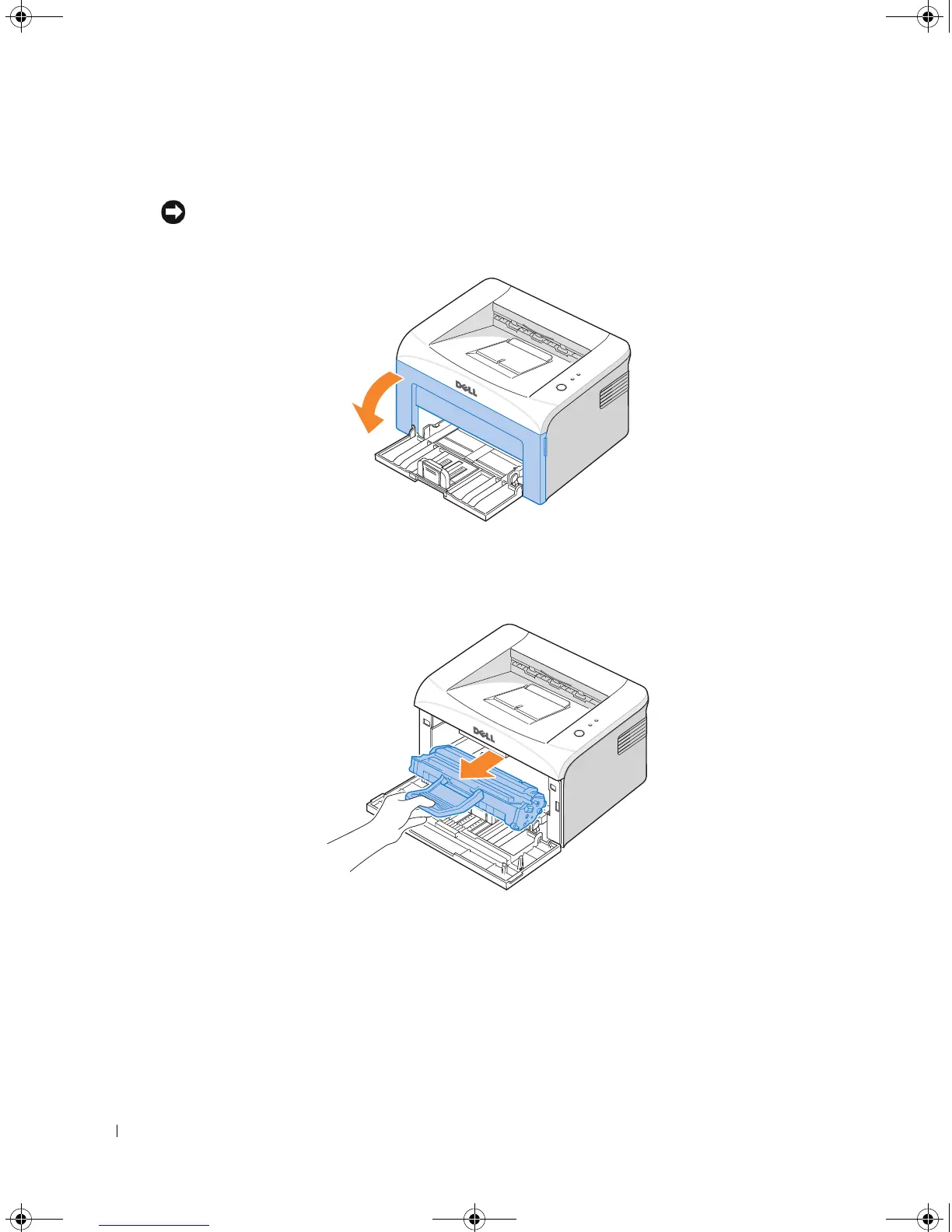
Open the front cover.
2
Gently pull the toner cartridge out, being careful not to scratch against the printer, and lift it
up and away from the printer.
1100-OM_EN.book Page 38 Friday, May 20, 2005 3:14 PM











 To Next Page