Troubleshooting 35
Troubleshooting
Clearing Jams in the Paper Tray
If a paper jam occurs, on the operator panel lights red. Find and remove the jammed
paper. If you cannot see it, look inside the printer.
To avoid tearing the paper, pull the jammed paper out gently and slowly. Follow the steps below
to clear the jam.
Paper Feed Jam
1
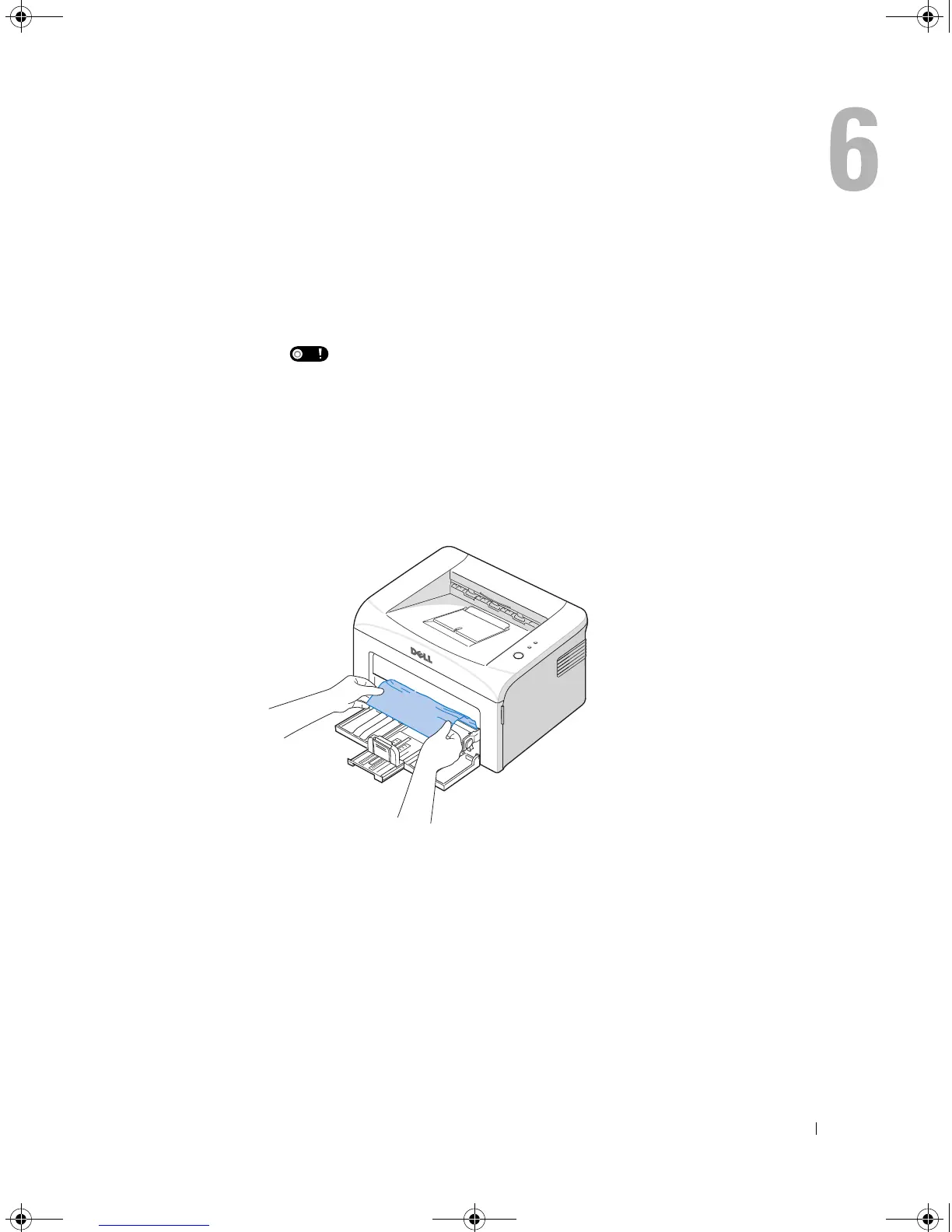
Remove any misfed paper by pulling it out by its visible edge. Make sure that all of the paper
is properly aligned in the tray.
2
Open and close the front or top cover to resume printing the document from failed pages.
1100-OM_EN.book Page 35 Friday, May 20, 2005 3:14 PM











 To Next Page